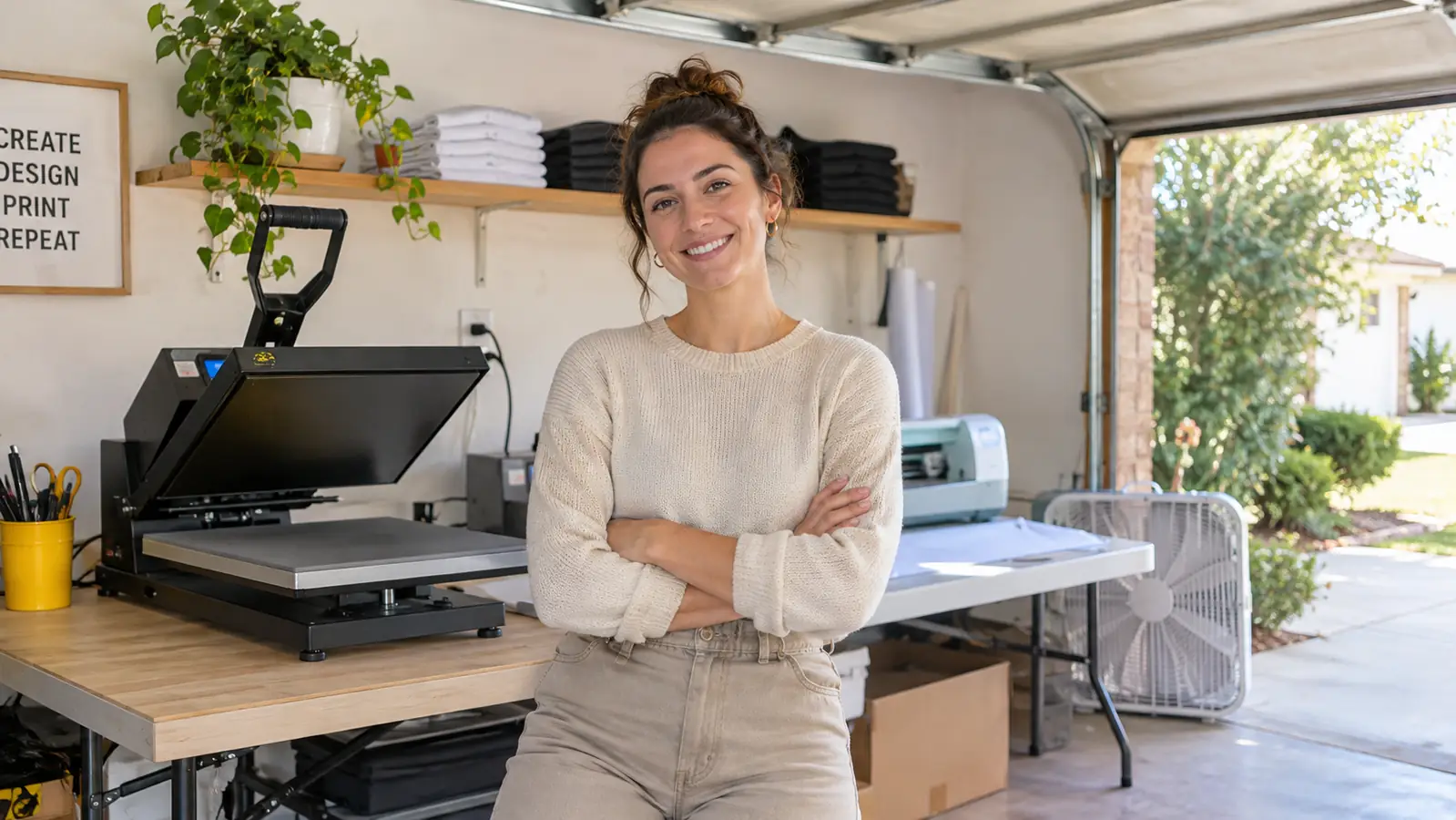
I started pressing shirts four years ago with team uniforms for my grandson's baseball league. My workspace is a converted one-car garage in Independence, Missouri, with one long folding table, a shelf of blanks and a box fan for summer. I bought my first heat press before I understood the difference between cutting vinyl and pressing it. That mistake left me with a few ruined blanks and a lot of guessing. The Cricut Joy Xtra is the machine I wish I had understood sooner, not because it does everything, but because it does the small cutting jobs a beginner actually needs.
A beginner vinyl side hustle usually starts with one product: a shirt, a tote, a set of decals. You do not need a full production floor. You need a way to cut clean shapes from vinyl or iron-on HTV, a press to apply them, and a short list of products you can repeat well. The Cricut Joy Xtra fits that narrow lane. Here are ten reasons it makes sense for a beginner, plus the parts I would skip.
The cutting bundle that fits a garage table
The bundle includes the Cricut Joy Xtra, a fine-point blade, a fine-point pen, a mini weeder, a welcome card, a USB cable, a power adapter and 30 additional premium-quality images.
Amazon See the Cricut Joy Xtra on Amazon →The 10 Reasons
It cuts the vinyl and HTV you actually sell
The first job is simple: turn a design into a clean cut. The Cricut Joy Xtra works with vinyl and iron-on HTV, plus cardstock and stickers, from a list of 50+ materials. For a beginner, that means you can start with shirt fronts and tote decals without buying a second machine for paper crafts. I keep my vinyl and HTV in separate folders so I do not grab the wrong roll on a busy Saturday. The machine does the cutting. Your press still does the pressing.
The 95.94 square inch work area fits beginner orders
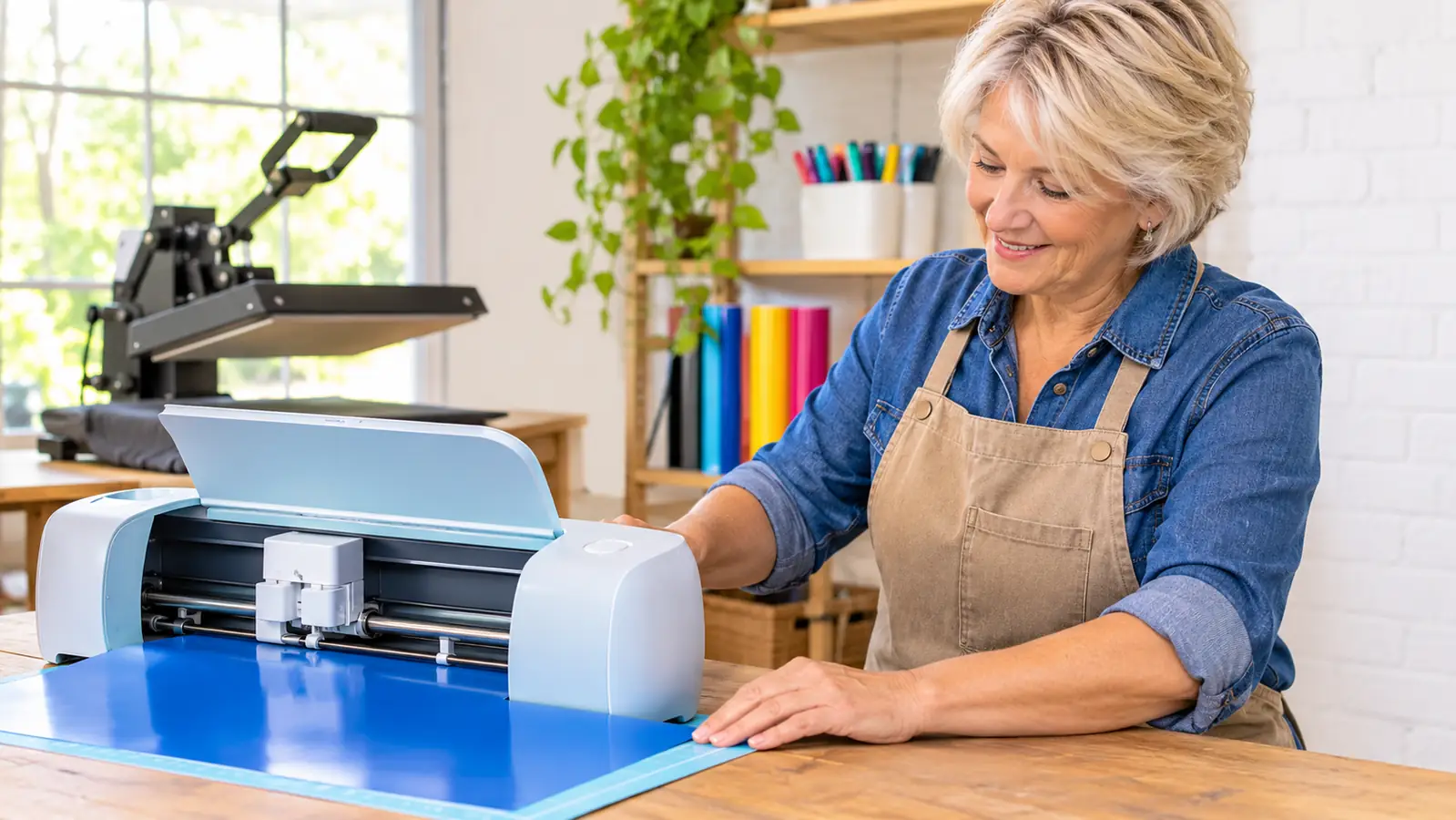
The active surface area is 95.94 square inches. That is enough for a shirt-front design, a set of mug decals or a page of stickers. It is not enough for a full back print or a large banner, and that is fine at the start. Most of my first orders were one-color shirt fronts and simple tote designs. A smaller work area forces you to keep designs within a size you can press well. When you need bigger, you will know because orders will tell you.
Print Then Cut adds full-color stickers with your inkjet printer
Print Then Cut lets you create full-color designs for stickers and similar items using an inkjet printer. The machine is compatible with inkjet printers, computers, tablets and smartphones. That matters for a beginner because you may already own a printer and a tablet. You can test sticker sheets, labels or small decals without buying a second cutting setup. The catch is that Print Then Cut is a different workflow from cutting plain vinyl, so practice on cheap paper first.
The bundle includes the small tools that nickel-and-dime you
The bundle includes the Cricut Joy Xtra, a fine-point blade, a fine-point pen, a mini weeder, a welcome card, a USB cable and a power adapter. If you have ever ordered a machine and then realized you need a blade and a weeder, you know why this matters. The fine-point blade handles the vinyl and HTV cuts I do most. The mini weeder helps lift small pieces from the cut sheet. The bundle also includes 30 additional premium-quality images. None of it is glamorous. All of it keeps you from stopping in the middle of your first order.
It works with 50+ materials so you can test products before committing
The listing says 50+ materials, including vinyl, iron-on HTV, cardstock and stickers. For a side hustle, that range is useful for small tests. You can cut a few tote decals, a batch of cardstock tags or a sticker sheet before you buy a case of any one blank. I like to test a new product with three or four pieces first. If the cut is clean and the press goes well, I buy more. If not, I am out a small amount of material instead of a shelf full.
It handles cardstock and stickers, not just shirts
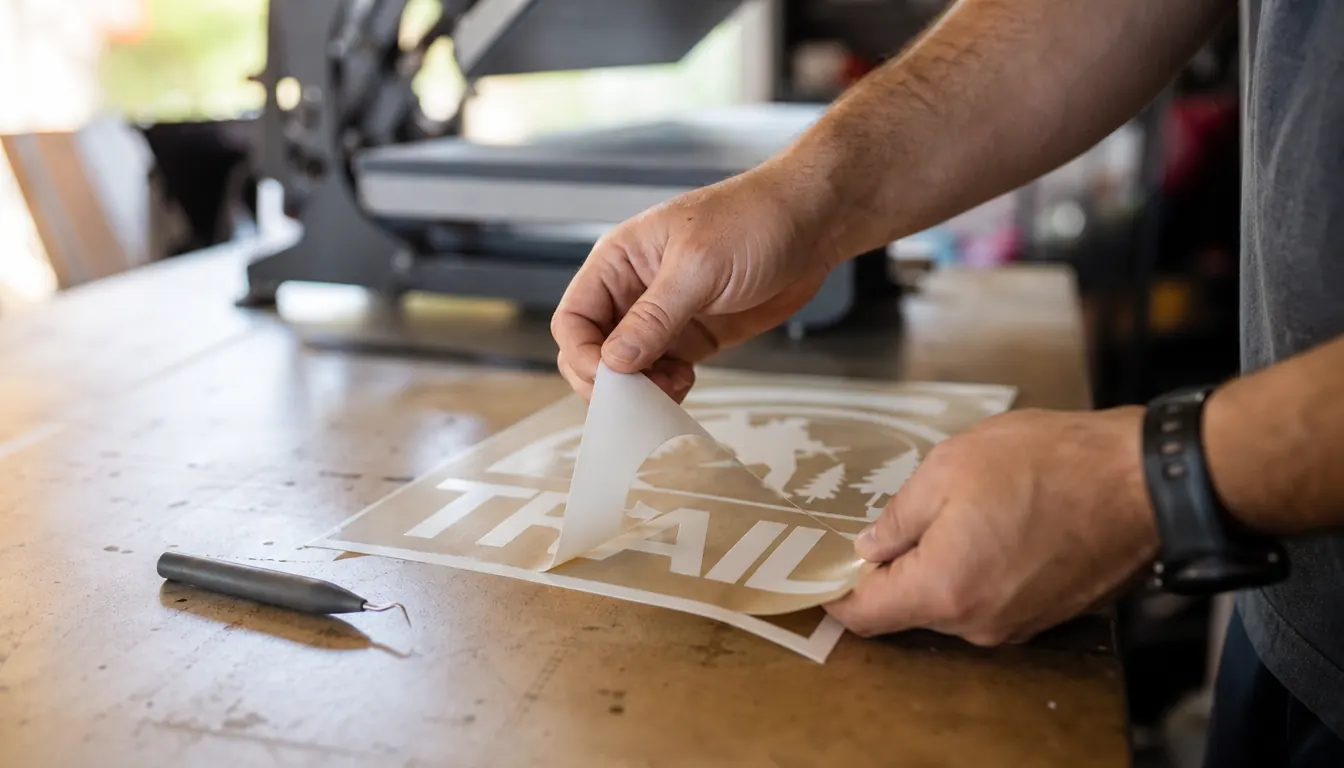
Shirts pay the bills at my table, but not every order is a shirt. Church groups ask for cardstock tags. A family reunion wants stickers for cups. The Cricut Joy Xtra cuts cardstock and stickers along with vinyl and HTV. That lets you say yes to small add-on jobs without buying another machine. I keep a folder of simple tag and sticker designs that I can cut and assemble in an evening. They are not the main business. They fill the gaps between shirt orders.
At 250 g, it moves off the table when you need the space
The machine weighs 250 g. That is light enough to lift off the folding table when Gary needs room to fold and bag orders. In a one-car garage, every square foot has a job. I do not leave the cutter set up all the time. I bring it out for a cutting session, then put it on the shelf. A heavier machine would stay put and take up space. This one does not. That sounds like a small thing until you have shared a worktable for four years.
The one-year warranty gives a beginner a cushion
The Cricut Joy Xtra carries a one-year manufacturer warranty. For a beginner, that is a cushion. You are learning what a clean cut looks like, how much pressure your press needs and which materials behave. A machine that is covered for the first year takes some of the fear out of the first few months. I still read the warranty terms and keep my receipt. A warranty is not a substitute for learning the machine. It just means one less thing to worry about while you do.
It works with the computer, tablet or smartphone you already own
The machine is compatible with computers, tablets and smartphones, and with inkjet printers for Print Then Cut. You do not need a dedicated laptop just for the cutter. I use a tablet for most designs because it is already on the worktable. If you are shopping for a beginner setup, check what you already own before you add another device. The Cricut Joy Xtra fits into a normal household setup. That keeps the first version of your workspace simple.
It keeps your first product line narrow
The most useful thing about a small cutting machine is not what it can do. It is what it stops you from doing. The 95.94 square inch work area and the 50+ material range are enough for shirts, totes, stickers and tags. That is a narrow product line. A narrow line is easier to plan, easier to press and easier to repeat. I would rather sell five things I can make well than twenty things I am still learning. The Cricut Joy Xtra supports that approach.
What I'd Skip
I would skip three things. First, do not buy a cart full of blanks before you cut a single design. Buy one shirt, one tote and one sheet of sticker paper, then see how the cut and press go. Second, do not take a large order in your first month. The 95.94 square inch work area will handle a shirt front, not a full back print, and a rush job is a bad way to learn. Third, do not blame the machine for a bad press. The Cricut Joy Xtra cuts. Your heat press applies. If a shirt peels after washing, check your time, temperature and pressure before you buy a different cutter. The machine is the easy part. The pressing is where I ruined most of my early blanks.
The Cricut Joy Xtra handles 95.94 square inches of active surface area and 50+ materials. It will not press the shirt, but it cuts the pieces so you can learn the pressing part without fighting the machine.
If the cutting part is what is holding you back
The Cricut Joy Xtra bundle gives you the machine, the fine-point blade, the fine-point pen, the mini weeder and the power adapter in one box. Check the current listing on Amazon before you buy another roll of vinyl.
Amazon See the Cricut Joy Xtra on Amazon →