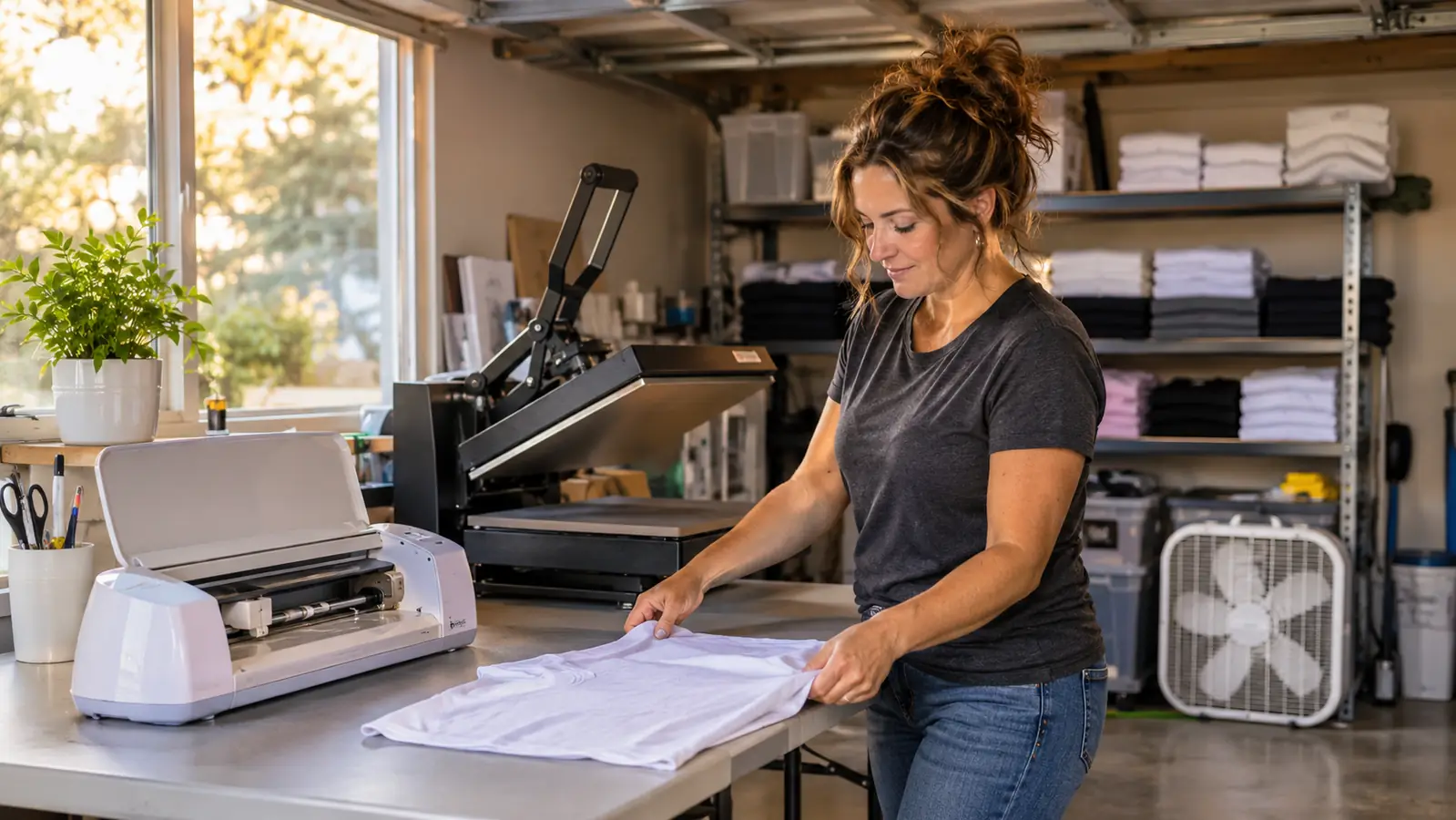
I bought the Cricut Joy Xtra because it was the only cutter that would sit on my folding table without moving the heat press. Four years of pressing shirts in the converted one-car garage behind my house in Independence, Missouri, and I had a growing list of jobs I kept turning down: a dozen mugs for a church fundraiser, sticker sheets for the school reading program, small vinyl decals for a family reunion. None of them were big enough to justify a wide machine eating half the table. This one was small enough that I could leave it set up all the time, and that turns out to matter more than any spec on the box.
Here is the honest version of what happened next. It did most of what I wanted, it did a couple of things I did not expect, and it has one limitation I ran into in the first month and still run into now. This is not a review written after a weekend of unboxing. The machine has stayed set up beside my press through a full round of baseball team shirts, two church orders, a run of tumblers for a small local office, and about forty tote bags I am still not tired of making. I kept notes for the first three weeks and then stopped, because the notes stopped being interesting: same routine, same result, week after week.
The Quick Verdict
A genuinely useful small cutter for vinyl, iron-on and sticker work. It will not replace a wide machine for full-back shirt designs, and it does not do sublimation. Buy it for the jobs you keep turning down.
Amazon Check Today's Price →The Small Cutter That Says Yes to the Jobs You Keep Turning Down
Vinyl, iron-on, cardstock and printed stickers from one machine that fits on a folding table next to the press. Check today's price and the current bundle contents before you order.
Amazon Check Today's Price on Amazon →How I've Used It
My work is small runs. Twelve shirts for a team, twenty-four totes for a reunion, a handful of mugs for a fundraiser. I started pressing about four years ago with team shirts for my grandson's baseball league, and the shape of the work has not changed since, only the volume. For the first three years I said no to anything that needed cutting beyond a straight rectangle, because a craft knife and a straight edge only get you so far. That shape of work is exactly what this machine is built for: something that sits on the table, wakes up fast, and cuts a single design without a long setup ritual.
My routine is boring and that is the point. I load the material, send the design over from my laptop, and cut. Cricut lists it as compatible with computers, tablets and smartphones, and I have used all three, though the laptop stays the default because I can keep the design open in the next tab while the machine runs. A shirt-front design in iron-on takes about two minutes of actual cutting. Weeding a two-colour design takes me longer than the cutting does, and that is true on any machine at any price.
The first week I wasted two sheets of iron-on learning the loading and the pressure, which is normal and not the machine's fault. What I noticed by the end of that week is that I stopped scheduling cutting. Before, cutting was a task: set aside an evening, cut a batch, weed a batch, press the next day. Now I cut one design at a time, fifteen minutes before I need it, while the press comes up to temperature. That change in rhythm is worth more to me than any number in the listing.
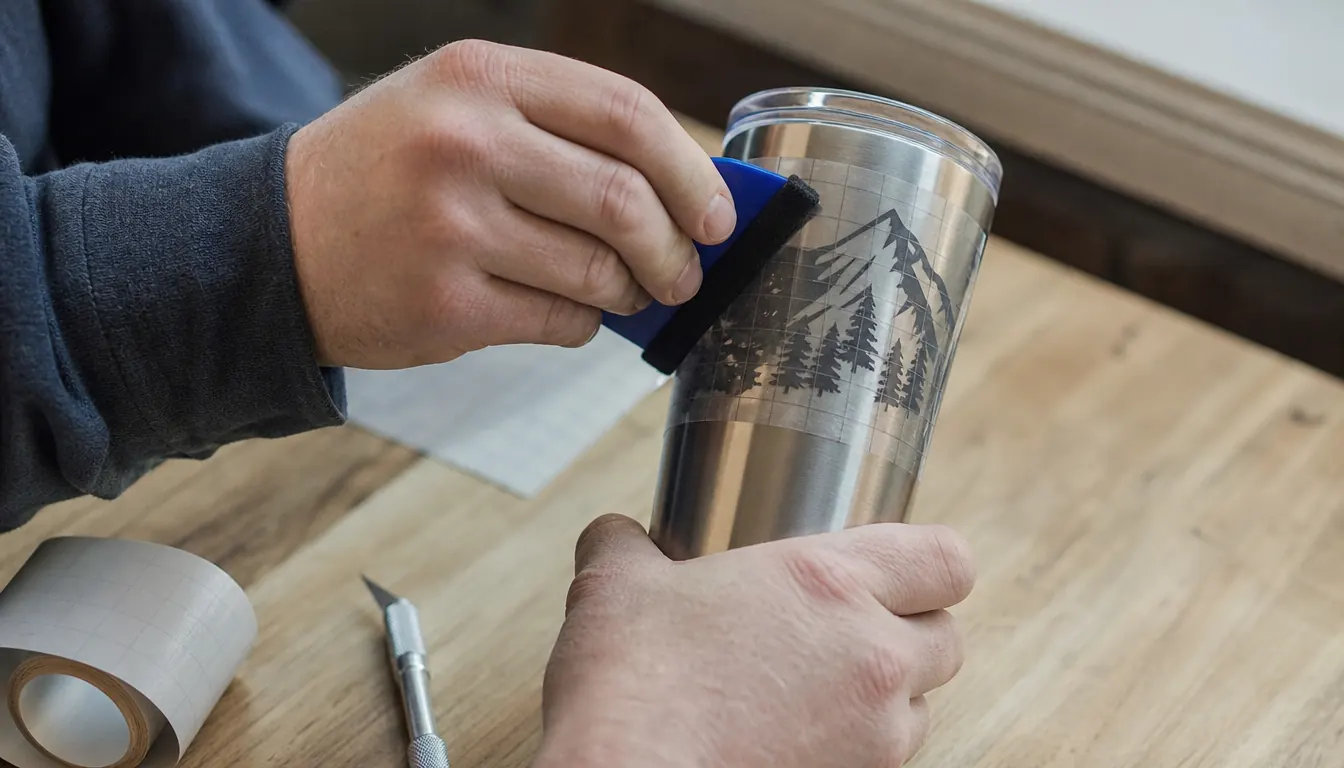
Take one order from the second week of March, twenty-four mugs for a church fundraiser. One design, one colour, straight-walled stainless mugs. A full mug wrap does not fit the working area in one piece, so I split every wrap into two halves and let the seam land where the handle covers it. Forty-eight cuts, each one short, came to about thirty-five minutes of machine time, done while I weeded the previous piece and answered two texts about the shirt order. Pressing those mugs took most of two evenings. Twenty-four mugs is a small mug order and the cutting was the easy part of it, which is not something I could have said a year ago.
What Comes in the Box, and What It Actually Cuts
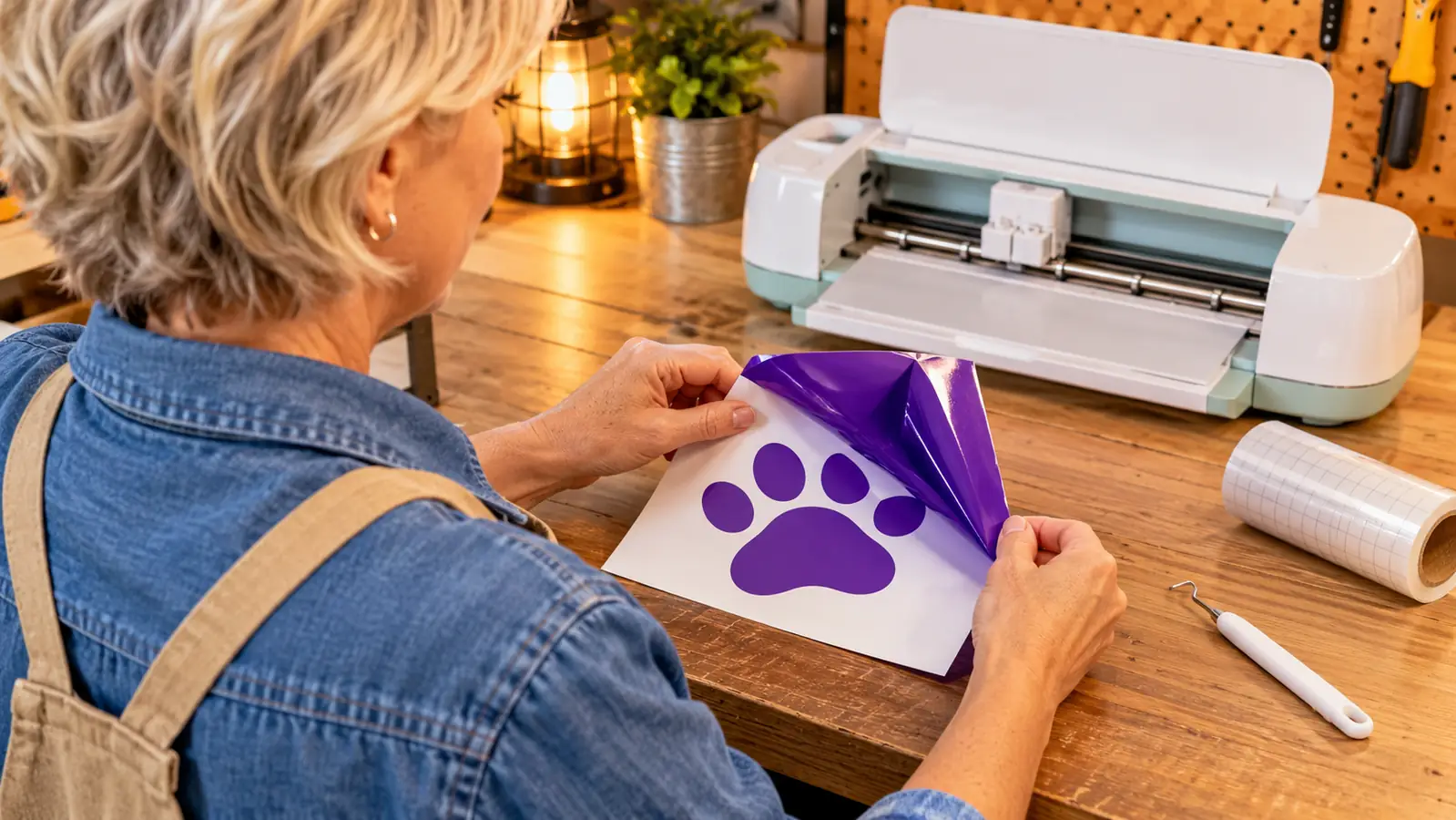
The bundle lists the machine itself, a fine-point blade, a fine-point pen, a mini weeder, a welcome card, a USB cable, a power adapter, plus bonus digital content of thirty additional images. The machine weighs about 250 grams and carries a one-year manufacturer warranty. The mini weeder is the piece I did not expect to use and now reach for every single time; it is the right size for pulling the small inside pieces out of letters, which is the part of weeding that made me want to quit in year one.
Cricut rates it for more than fifty materials, including vinyl, iron-on HTV, cardstock and sticker paper. That list covers everything I actually sell. Permanent vinyl for tumblers and car decals, iron-on for shirts and totes, cardstock for tags and small gift boxes, sticker paper for the school order. I have not pushed past those four, partly because I know what my customers ask for and partly because I would rather not find the edge of a material in the middle of a paid job. The fine-point blade handles all four cleanly, and I have not had a cut fail on any of them since that first week.
One note for beginners, and it is the note I wish someone had handed me at the checkout. The included components list names a blade, a pen, a weeder, a card, a cable and an adapter, and no cutting mat appears on it. Iron-on and vinyl can be cut without one. Cardstock and sticker paper cannot, not in my garage they cannot, and I found that out on a Friday night with ninety sticker sheets due Sunday morning. Add the mat to the order when you buy the machine. The pen is the other piece worth knowing about: it draws instead of cuts, which is how I do gift tags and the inside of cards for the reunion order without buying anything else.
Print-Then-Cut Is the Reason I Kept It
Of everything this machine does, Print-Then-Cut is the feature that changed my order list. It works with an inkjet printer: you print the design in full colour with registration marks on the sheet, load that sheet, and the machine cuts around the printed artwork. That is how sticker sheets, printed labels and full-colour bag toppers happen without a second machine on the table.
The school reading program order is where it earned its place. Ninety sticker sheets, four designs, printed on the inkjet in my office and carried out to the garage in a stack. I ran them in batches of ten, because ten is the number I can cut, check and stack without losing focus. Three evenings total. On the second evening my grandson was here and I still finished the batch with him talking at me the whole time, which tells you how much attention the machine actually needs once it is loaded and started.
I want to be clear about what this is not. It is not a sublimation setup. Sublimation is a different process with a sublimation printer, sublimation blanks and its own heat requirements, and nothing here replaces any of that. It also does not replace a heat press for anything that has to survive the wash. What Print-Then-Cut did replace for me was ordering pre-printed labels and waiting a week for them to arrive while a customer asked twice whether the order was ready.
The alignment is good once you trust it, and the testing is on you. I run one sheet with a small design first, check where the blade lands, and only then commit to a full sheet of sticker paper. Print quality is your printer's job, not the machine's, so a tired inkjet will show in the finished product no matter how clean the cut is. I learned that one the hard way with a half-used cyan cartridge and a batch of bag toppers that came out pale enough that I redid them.
Where It Slows Me Down
The size limit is the real one. My usual full back design runs about eleven inches across, and the working area is 95.94 square inches, so that design does not fit in one piece. I have pieced full backs, matching the artwork across two cuts so the halves line up through the press, and it works. It also takes twice the cutting time and any careless seam shows. On a twelve-shirt team order I cut the fronts here and I still hand the full backs to a local printer. That is a decision I made on purpose rather than a flaw, but it is the honest edge of what a compact cutter buys you.
The second limit is material. I keep this machine to vinyl, iron-on, cardstock and sticker paper, and I do not ask it to be a heavy-material workshop. Heavier or thicker stock is outside what I would trust it with mid-order, and I would rather say no to a job than hand someone something that peels in the wash. The single fine-point blade in the bundle does a clean job on all four of my materials, which is all I need it to do, but it is one blade doing one kind of work and I treat it that way.
Third is throughput. On a batch of twenty-four totes, the cutting is not the bottleneck; the pressing and the folding are. Two totes an hour is about my honest pace with a large design, and the machine finishes its share of a batch long before I do. Gary and I split the busy weekends, him folding and bagging while I press, and the cutter keeps up with both of us without anyone waiting on it. If you imagine a machine that speeds up pressing, it will not. It speeds up the part before pressing, which is the part that used to eat my evenings.
What I Liked
- Fits on a folding table beside a heat press and stays set up, so small jobs stop feeling like a production
- Handles vinyl, iron-on HTV, cardstock and sticker paper without swapping tools between jobs
- Print-Then-Cut with an ordinary inkjet opens up sticker sheets and printed labels
- Thirty bonus images and a mini weeder in the bundle mean you can start cutting the day it arrives
- One-year manufacturer warranty, and it weighs about 250 grams, so it moves off the table easily
Where It Falls Short
- 95.94 square inches of working area means full back prints must be pieced
- No cutting mat listed in the included components, so cardstock and sticker work needs one added
- Single fine-point blade in the bundle limits you to lighter materials
- It is a cutter and a pen, not a sublimation machine, and it will not replace one
- Cutting is not the slow part of a shirt order; the press still sets your pace
The working area is 95.94 square inches, and that single number tells you whether this machine fits your business or fights it every week.
Who This Is For
This is for the person doing small runs out of a spare room or a garage: team shirts, totes, tumblers, decals, stickers, tags, the odd gift box. It is for someone who has a heat press already and has been outsourcing the cutting, or cutting by hand with a craft knife and a straight edge, which is fine for a rectangle and miserable for anything curved. It is also for the beginner who has a limited budget and a limited table and would rather start cutting this month than save for a year toward a wide machine they do not have room for. If your first ten orders are the size of a dozen shirts or a stack of stickers, this machine will carry that load without drama. If your first ten orders are forty full backs, it will not, and better to know that now.
Who Should Skip It
Skip it if the bulk of your work is full back prints on adult shirts, because you will spend your time lining up seams instead of pressing. Skip it if you want one machine that cuts and does sublimation, because this is not that machine and no amount of wanting changes it. Skip it if you are already running enough volume that a wide cutter would pay for itself in a month; buying small twice is an expensive way to get where you were going. And skip it if you have no press, no printer and no plans to get either, because a cutter on its own only makes a pile of cut vinyl.
Start With the Jobs You Already Have on the Books
The Cricut Joy Xtra handles vinyl, iron-on, cardstock and printed stickers from one spot on the table. Check today's price and bundle contents, and read the listing for yourself before you commit.
Amazon See the Current Bundle on Amazon →