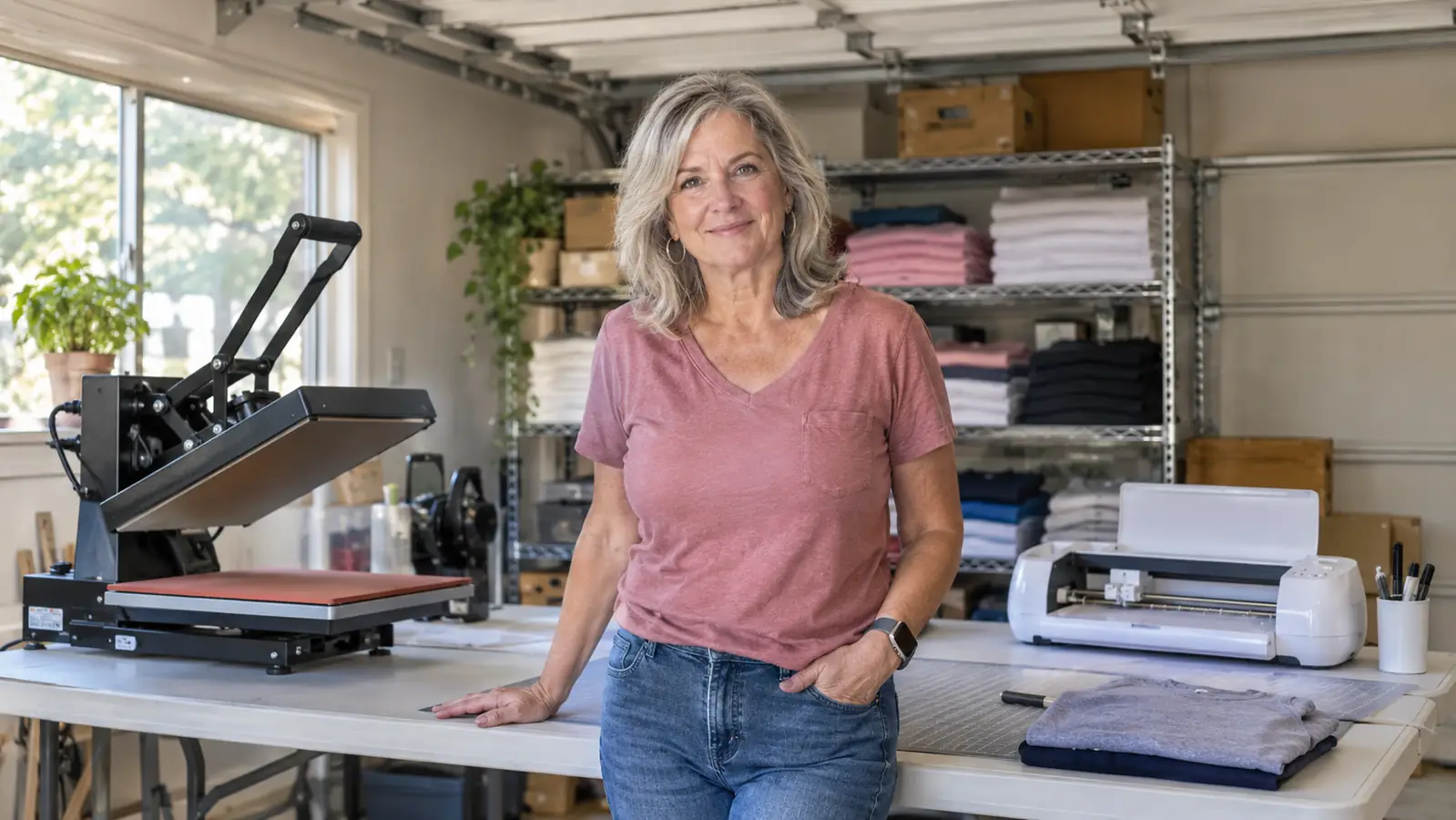
Short answer: if your side hustle is shirts, totes, tumblers and sticker sheets, and your heat press shares a folding table in the garage with the holiday boxes, buy the Cricut Joy Xtra. If you cut 12-inch wide vinyl for car decals and yard signs every week, the Silhouette Cameo is the better tool and it earns the table space it takes. I run a small custom shirt, tote and mug business out of a converted one car garage in Independence, Missouri, about four years now, and the mistake I see most often is a beginner buying the largest machine they can afford and then discovering it does not fit anywhere they can leave it set up. A cutter you have to unpack and repack is a cutter that stops getting used by February.
Here is the honest shape of it. The Cricut Joy Xtra is small. The spec sheet puts it at 250 grams with a 95.94 square inch active surface area, and it runs from a phone, tablet or computer. It cuts vinyl, iron-on HTV, cardstock and stickers, and it will print then cut full color sticker sheets if you already own an inkjet printer. The Cameo is the wider machine, with more cutting force and Silhouette Studio behind it, which gives you finer design control and a longer climb to get comfortable. Both will cut a name out of heat transfer vinyl. They are not built for the same size of job, and that is the whole comparison in one line.
| Cricut Joy Xtra | Silhouette Cameo | |
|---|---|---|
| Footprint | Small, 250 grams, sits on a shelf or the end of the press table | Wants a permanent stretch of table, about the size of a small printer |
| Cutting area | 95.94 square inches of active surface area | Takes material up to 12 inches wide and handles long mats |
| Ease of learning | Cricut's design software walks you through the first project | Silhouette Studio expects you to find the settings yourself |
| Design control | Plenty for names, logos and simple shapes | Node editing, nesting and layer control for people who want them |
| Cutting force | Vinyl, iron-on HTV, cardstock and sticker paper | Thicker and heavier media without a fight |
| Phone and tablet use | Runs from a phone or tablet, and from a computer too | Desktop software is where it makes sense |
| Print then cut | Built in, works with an inkjet printer for full color stickers | Available, but the setup takes more fiddling |
| In the box | Blade, fine point pen, mini weeder, USB cable, power adapter and 30 digital images | Machine and blade, most extras bought separately |
| Best for | Shirts, totes, mugs and sticker sheets from a small workspace | Wide decals, signage and long production runs |
Where the Cricut Joy Xtra Wins
Space is the reason I would start most people here. My garage has one long folding table, the press takes half of it, and a shelf above holds the blanks and a box fan I run in July. The Joy Xtra sits on the end of that table and stays plugged in, which means I can cut a single name at nine at night without clearing a work surface first. That sounds like a small thing until you have lived with the alternative for a month. The machine that stays out is the machine that gets used.
The second win is that the workflow lives on the device you already own. I lay out a design on the tablet, size it, and send it. No walking into the house to a computer with vinyl half peeled and a customer waiting on a reply. If you are comfortable with a phone, you are most of the way to comfortable with Cricut's software, because it holds your hand through the first project in a way most cutting programs do not. For someone whose last design tool was nothing at all, that matters more than any line on a spec sheet.
Third, the bundle is complete enough to start the same evening it arrives. You get the machine, a fine point blade, a fine point pen, a mini weeder, a welcome card, a USB cable and the power adapter, plus 30 digital images. Add a roll of iron-on and a shirt and you are pressing by bedtime. The 50 plus materials list covers everything a shirt and tote business actually touches, the 1-year manufacturer warranty is the standard cover at this level, and print then cut is the quiet bonus. Sticker sheets sell well at school events and craft fairs, and that feature turns an inkjet printer you already own into a second product line.
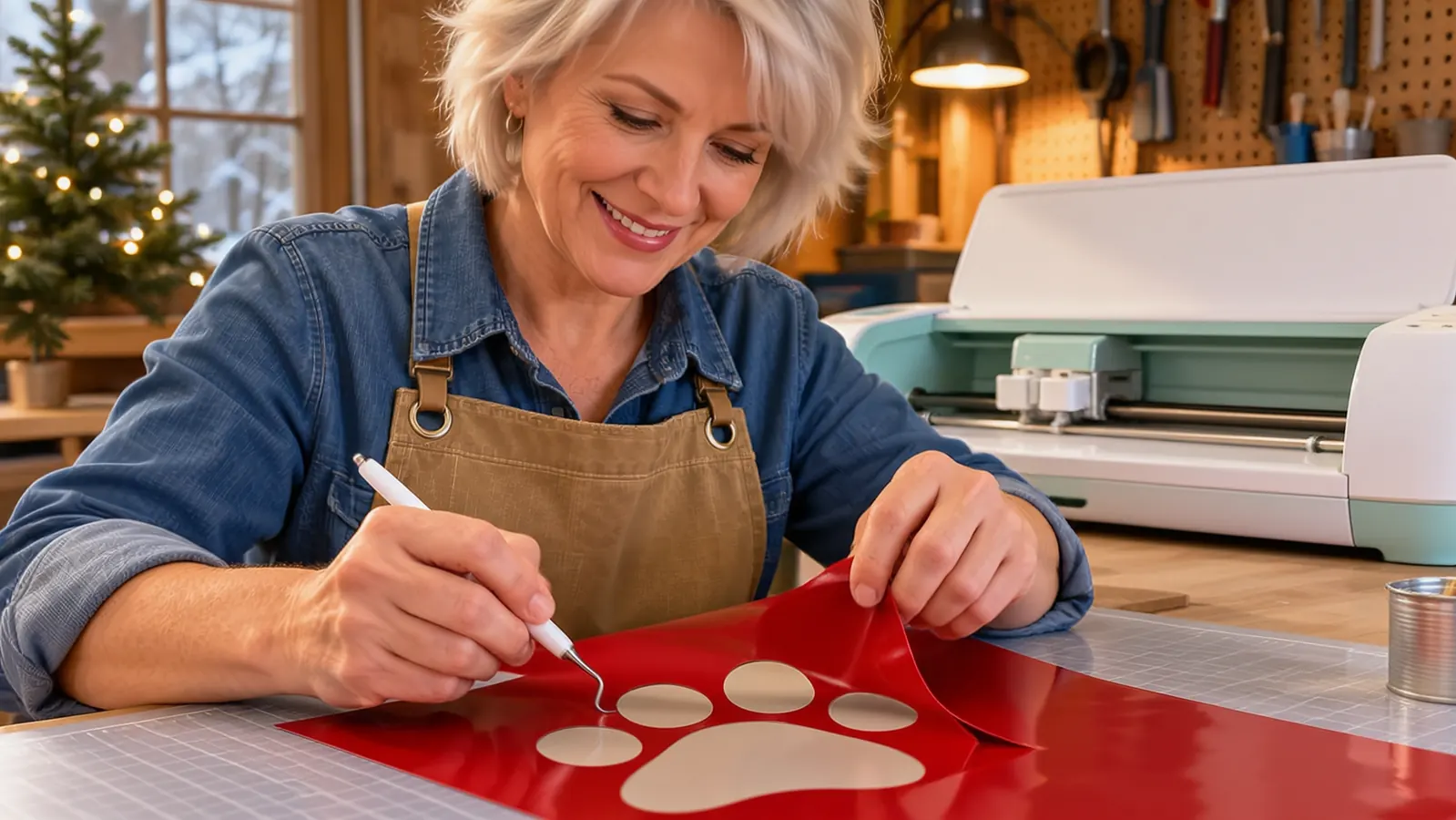
I tested that sticker claim before I trusted it. First job I put through the machine was a sheet of round stickers for a church fundraiser in March, printed on the inkjet in the house, then fed back through the cutter. Twelve to a sheet, forty sheets over two evenings. The registration held on every one, which is the part that surprised me, because lining up a print with a cut is where cheap setups usually fall apart. The mini weeder earns its place on small lettering, the fine point pen is there for the occasional hand lettered look on cardstock, and the welcome card walks you through a first cut so the machine is not a mystery by the end of the first night.
Where the Silhouette Cameo Wins
Now the part where the Cameo is simply better. It cuts wide. Twelve inches of material goes through it, long mats go through it, and that opens the jobs the smaller machine cannot touch: full back designs, large decals, sign blanks, and long runs where you want to nest twenty small shapes across one sheet. If someone orders a set of vehicle door decals, the Cameo does it in one pass while a small machine is taping two cuts together and hoping the registration lines up.
Silhouette Studio is also the more capable design program, and it is not close. Node editing, layer control, nesting, and the ability to work on a desktop with a real mouse and a real screen. If you came out of graphic design, or you plan to sell your own cut files, that control is worth the evenings you will spend learning it. Friendly is not the same as powerful, and Cricut's software is the friendlier of the two.
The third concession is force. Thicker media, heavier cardstock, material that fights back, the Cameo handles it with less complaint. I watched a friend wrestle a project through a small machine for an hour and then run the same job on her Cameo in ten minutes. She was cutting heavy chipboard for shower invitations, the kind that will not feed straight through a small machine without help, and the difference was not subtle. If the work you sell is trending bigger and heavier, buying small first is a detour rather than a stepping stone, and pretending otherwise does a beginner no favors.
The Joy Xtra bundle arrives with the blade, the pen and 30 designs in the box
If your work is shirts, totes and sticker sheets, this is the cutter that fits on the table you already have. Add vinyl and a blank and you can be pressing tonight.
Amazon Check Today's Price on Amazon →What a Tuesday Night Actually Looks Like
A typical order here is twelve shirts for a church group. I open the tablet, pull up a design I have saved, size it for a left chest, and send it. The Joy Xtra cuts while I bring the press up to 305 degrees. Once it is hot, fifteen seconds a shirt, peel, fold, next. The cutting is not the slow part of that job. The weeding is, and the mini weeder in the bundle earns its keep on small lettering.
What surprised me early on is how little room the whole setup needs. Machine on the end of the table, tablet propped against the shelf, vinyl roll standing in a box on the floor. Gary folds and bags at the kitchen table on busy weekends and nothing in the garage has to move for him to do it. Four years of this has taught me that the setup you can leave standing is the one that gets used after a full day of work, and a small machine wins that argument almost every time.
The one job I got wrong early was a full back print. A customer wanted a design across the whole back of a hoodie, wider than the cutting area allows in one piece. I tried splitting it into two panels and lining them up by eye. It looked like two panels lined up by eye, and I ate the cost of that hoodie and apologized twice. That is not a knock on the machine. It is a size of job the machine does not do, and knowing that up front saves you a blank and an awkward conversation. Now I quote that work out, or I split the design deliberately so the seam is part of the look.
The friction is software, not hardware. The design app is free to use and carries a lot of free images, but the best ones sit behind Cricut Access, a monthly subscription, and it will offer that subscription to you constantly. You can upload your own SVG files and skip the library entirely, which is what I do for repeat customers and team orders. Worth knowing on day one so the upsell does not sour you on a machine that is doing its job fine.
The Joy Xtra will cover a chest logo, a name across the shoulders and a full sheet of stickers. It will not cover a car door decal, and no amount of wishing changes that.
The Software Question
People ask me whether the software gap should decide the purchase. For a beginner, no. You will spend your first month doing three things: finding a design, sizing it correctly, and getting the cut to release cleanly from the backing. Cricut's software is built to get you through those three things without a tutorial. Silhouette Studio will do more once you know what you want, but it assumes you already know, and that assumption is where beginners quit.
If you already own design software, or you have cut before on any machine, ignore that paragraph. Skill you already have changes the answer, and a buyer who is comfortable in vector software will find the Cameo less limiting within a week. Buy for the person you are now, not the person a video channel told you to be.
The habit I would build in week one is a folder of your own SVG files, named by customer and job, uploaded rather than browsed. I cut the same baseball logo fourteen times across one season for my grandson's league, and having it saved meant four taps instead of scrolling a library that kept trying to sell me something. Set aside one evening to learn how to weld letters together and how to place a design on the mat edge. Those two skills cover most of what a shirt business asks for, and neither one costs a cent.
What I Liked
- Fits a small workspace and can stay set up between jobs
- Runs from a phone, tablet or computer
- Cuts vinyl, iron-on HTV, cardstock and stickers from a 50 plus material list
- Print then cut turns an inkjet printer into a sticker line
- Bundle includes blade, pen, mini weeder, cable, adapter and 30 digital images
- 1-year manufacturer warranty
Where It Falls Short
- Narrow cutting area rules out wide decals and signage
- Design library pushes the Cricut Access subscription hard
- You will design on a phone, tablet or computer, not on the machine
- Outgrown quickly if your orders move into wide format work
Who Should Buy Which
Buy the Cricut Joy Xtra if you are starting with a heat press in a spare room or a garage, you sell shirts, totes, mugs and sticker sheets, and your workspace has to double as something else the rest of the week. It is also the right first machine if you have never used cutting software, because the guided setup will not let you get lost in the first hour. At 250 grams with a 95.94 square inch surface, it fits where the work actually happens, and that is the whole point.
Buy the Silhouette Cameo instead if you already know what you are doing, or your orders lean wide and heavy, or you want to sell your own cut files and need real design control. That buyer should not spend a season working around a small machine to prove something. Everyone else, the ones doing team shirts on a folding table, start small, learn the press, and upgrade when a paying job actually demands the width. The blanks you ruin while learning cost more than the difference between the two machines.
One more thing about timing, because it catches people. If you are buying in the run up to a school year or a holiday, buy early and cut a test shirt before the first real order lands. My first October I had twelve shirts due the same week the machine arrived, and I was learning blade depth on someone else's order. Nothing was ruined, but I did not sleep much that week. A single evening of practice on a blank you do not mind losing is worth more than any review, including this one. That goes double if the order is for a team, because a team order means a parent is texting you.
Start with the machine that fits the table you already own
The Cricut Joy Xtra bundle has the blade, the pen, the mini weeder, the cable, the adapter and 30 designs inside. Add vinyl and a shirt and you are working tonight.
Amazon Check Today's Price on Amazon →