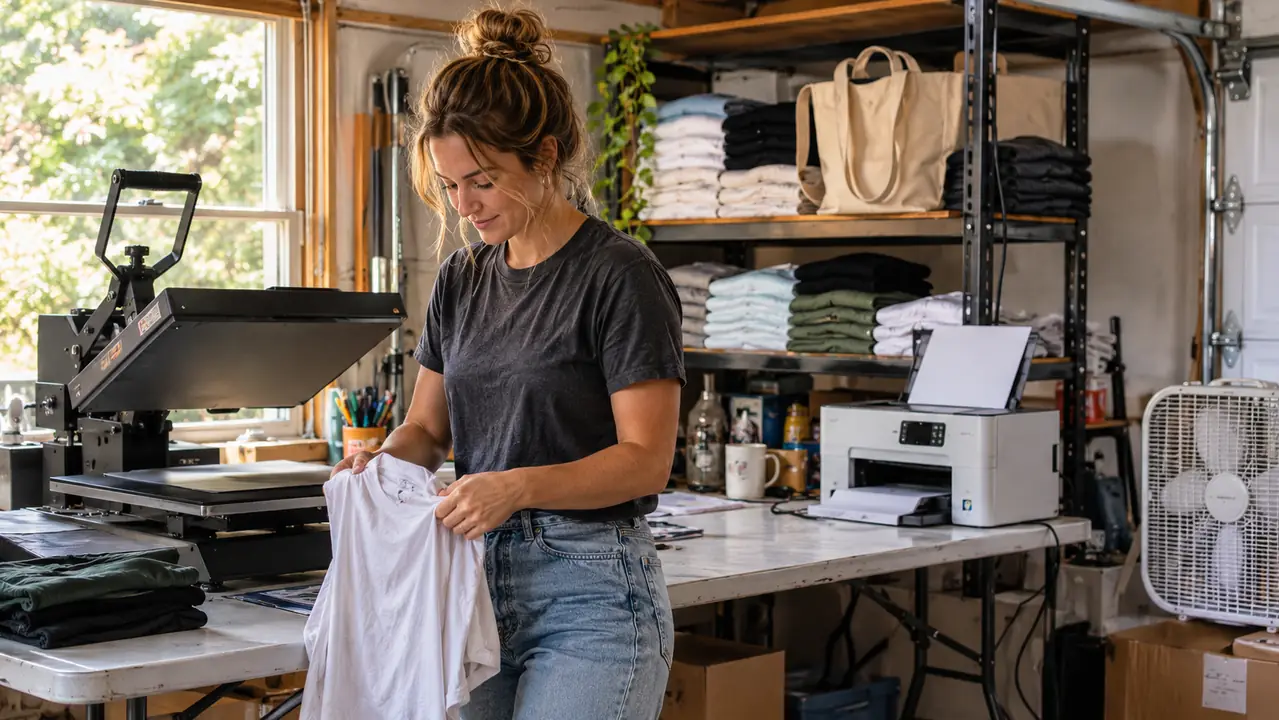
The spare room off our kitchen held a treadmill nobody used and a stack of Gary's hunting gear. Now it holds a heat press, a shelf of blanks, and a Brother Sublimation Printer. That is the whole side hustle, three pieces of equipment and a door I can close when supper is ready.
I have been pressing shirts for about four years. I started the way most people start, with a heat press and a roll of vinyl, making team shirts for my grandson's baseball league. Vinyl taught me temperature and pressure and patience. It also taught me the ceiling, because the moment a customer hands you a photo of her grandmother and asks for it on a tote bag, vinyl cannot help you.
For two seasons I turned those jobs down. Then a church group asked for forty tumblers with a watercolor sunrise and the date of their anniversary service, and I said yes before I thought it through. I needed a printer that could put full color on a transfer sheet. I read about converting an Epson EcoTank with sublimation ink, watched the videos, and decided I did not want to own a printer I had to babysit. That is how I ended up with the Brother.
Here is the short version of what the machine does, because I had to have it explained to me twice. It is a dye sublimation printer. It prints your design in cyan, magenta, yellow and black onto sublimation paper, and then your heat press moves that ink into polyester fabric or a coated blank. The ink turns to gas under heat and bonds with the surface. It does not sit on top the way vinyl does. You cannot feel the edge of it with your finger.
Brother builds this one around the Artspira app, which runs on your phone or tablet and also works with a PC. You create or import a design in the app, send it over, pull the sheet, and press. The app holds up to 20 images at a time, which sounds small until you realize 20 designs is a whole weekend of orders. The touch controls and the LCD screen sit on the front of the machine, and the whole thing weighs 7.9 pounds, so I carried it out to the folding table myself without asking Gary for help.
Setup took an afternoon. It measures 10.8 inches deep, 20.1 inches wide and 19.1 inches tall, which fits beside the press with room left for a stack of paper and a coffee cup. I ran a test print of a sunflower, pressed it onto a scrap poly shirt, and stood there in the garage looking at a photograph that had come out of my own machine.
I ran a test print of a sunflower, pressed it onto a scrap shirt, and stood in the garage looking at a photograph that had come out of my own machine.
When Your Designs Outgrow Vinyl, This Is the Next Step
Four ink colors, one sheet of transfer paper, and the press you already own. The Brother handles the part vinyl cannot touch.
Amazon Check Today's Price on Amazon →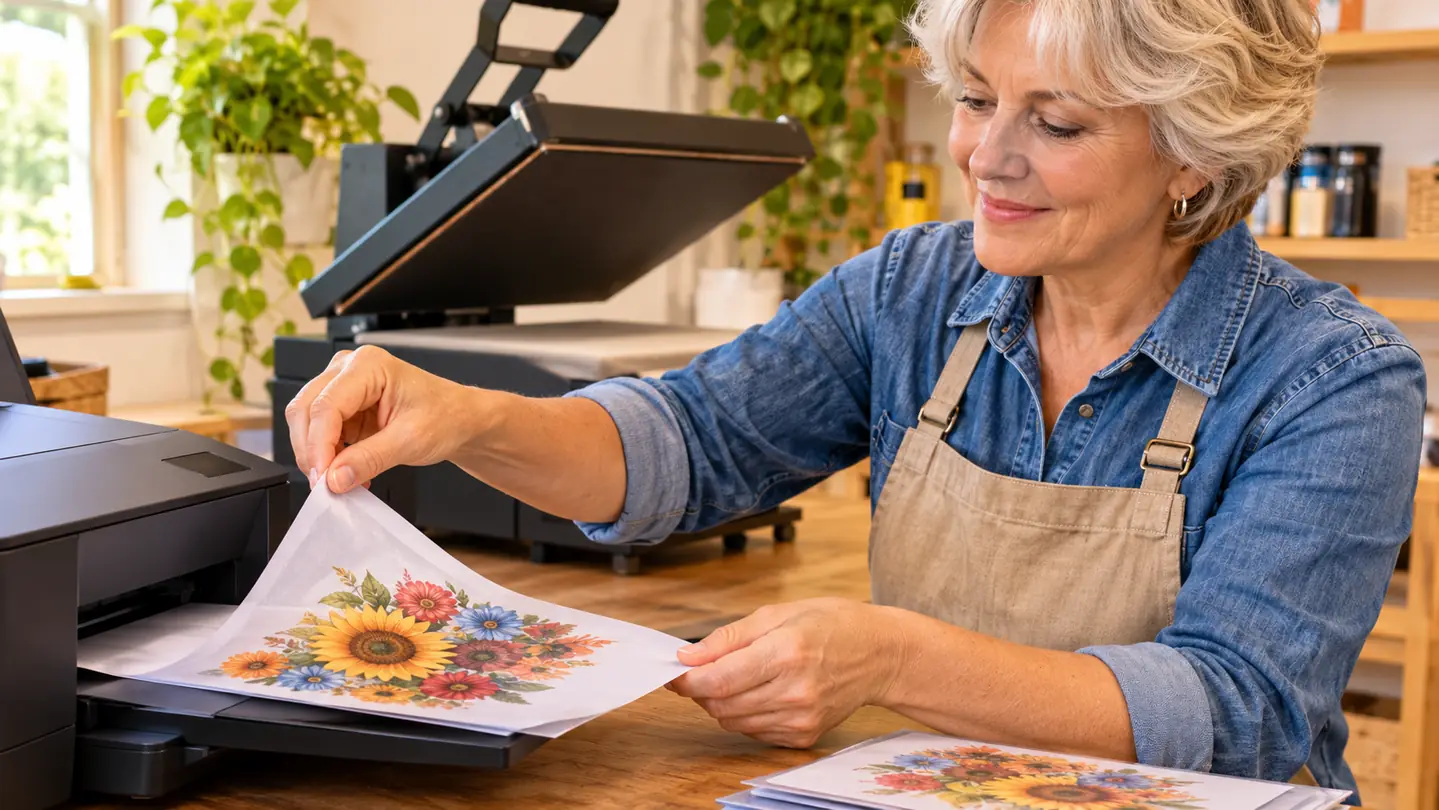
What the First Month Actually Looked Like
The first month was not pretty. I scorched two tote bags, printed one design backwards, and learned the hard way that sublimation only works on polyester or on blanks made for it. Cotton takes the ink and gives you nothing back. I found that out on a Tuesday with six cotton aprons I had bought on sale, and four of them are still in a box under the table as a reminder. That is not the printer's fault, but it becomes the printer's problem, and I would rather you hear it from me than find out with a customer standing in your garage.
Once I stopped fighting the material, the work got fast. A mug runs about three minutes from press to cool enough to handle. A shirt is under a minute under the platen, plus the time it takes to line the design up straight, which is the part I still rush. I print a batch of sheets in one sitting, keep them flat in a folder, and press them the next morning while the coffee is going.
The scanning side helps more than I expected. My daughter-in-law draws, and I can scan a page, pull it into the app, and have it on a onesie the same afternoon. The machine prints on fabric and thermal paper, which covers everything I actually make. It is small enough that the spare room still holds a shelf of blanks and the treadmill, though the treadmill is losing the argument.
What it does not do is cut, sew or fold. It is one step in a chain, and the chain has more links than the videos suggest. You will need a heat press whose temperature you trust, blanks that are genuinely coated for sublimation, and a way to keep your printed sheets from curling before you use them. The Brother turns a design into something you can press. The rest is still your hands.
The reunion shirts taught me the most. Ninety shirts, one design with four family names in it, and a deadline of Saturday morning. I printed sheets on Thursday night, pressed on Friday, and folded with Gary at the kitchen table until eleven. I would not have attempted that order with vinyl. Not because vinyl looks bad, but because four names in four colors would have meant four layers and a shirt that felt like a piece of cardboard.
What I'd Tell You If We Were Sitting at My Kitchen Table
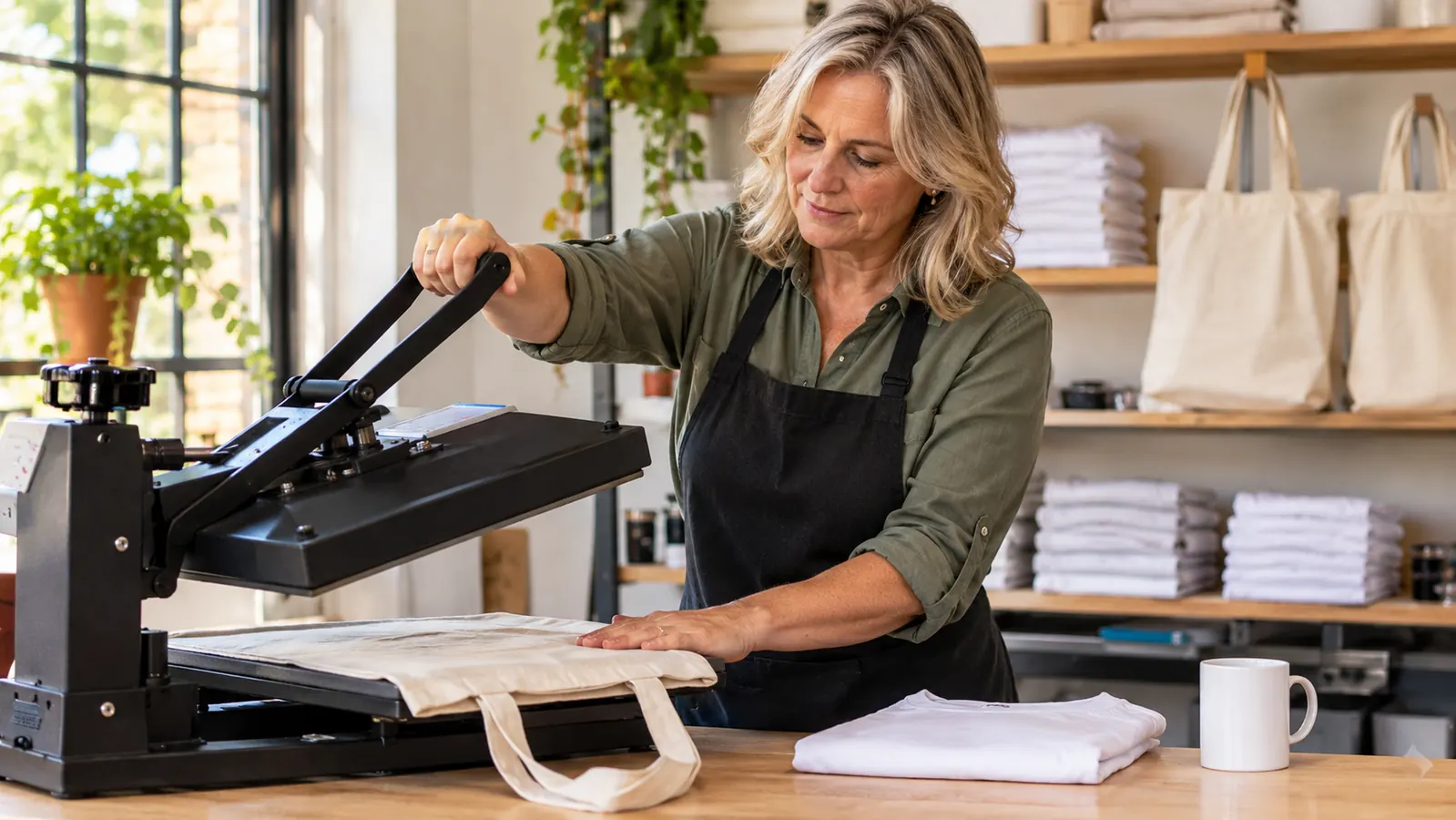
I would tell you to buy the printer before you buy another roll of vinyl, but not before you own a press you trust. The machine is the cheap part of the learning curve. The blanks are where your money actually goes, so buy five of everything before you buy fifty of anything. And nobody hands you a customer list. Mine came from a baseball league, a church group, and one woman at the feed store who asked what I did for a living.
I would also tell you to keep the first month small. Twenty designs in the app is plenty. Do a sunflower, do a photo of a dog, do a name in a script font, and press each one on a blank you can afford to ruin. When the third one comes out right, you will know more about your press than any video can teach you. That is how it went for me, and I am not a patient woman.
Start With One Machine and One Shelf of Blanks
No converted printer, no ink kits, no babysitting. The Brother prints the design and your press does the rest.
Amazon Check Today's Price on Amazon →