Short answer: if you want to be pressing your first shirt this weekend instead of reading forum threads about ICC profiles, the Brother Sublimation Printer is the machine I would put in a beginner's hands. If you already understand color management and you plan to run a lot of sheets every week, a converted Epson EcoTank earns its place. Both of them print sublimation transfers. They just ask completely different things of you before that happens.
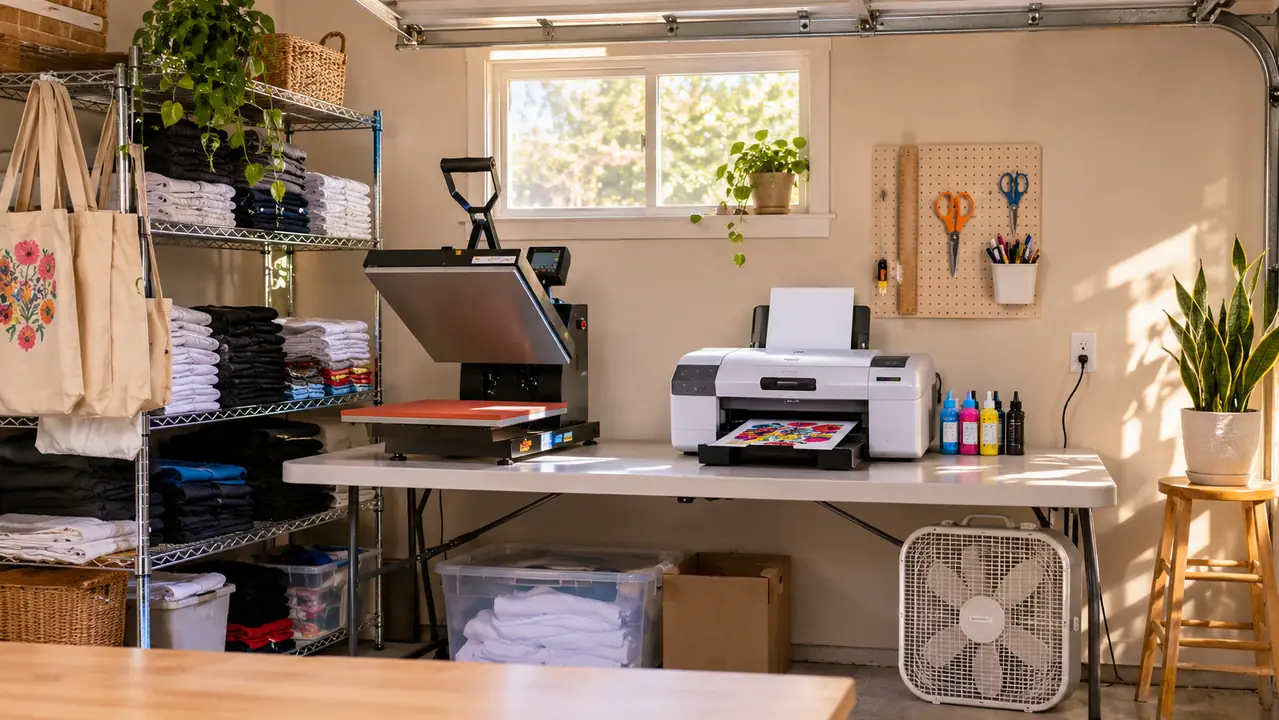
I press shirts, totes and mugs out of the converted one-car garage of my house in Independence, Missouri, and I have been at it about four years. I started with team shirts for my grandson's baseball league, and it grew from there, mostly school teams, church groups, family reunions and a couple of small businesses who found me through a local Facebook group. In that time I have watched a lot of people in that same group buy a tank printer, fill it with third-party sublimation ink, fight the color for three weeks and quietly quit. I have also watched people outgrow a starter machine and wish they had bought more printer. Where you land comes down to one question. Do you want to learn color management, or do you want to learn heat pressing?
| Brother Sublimation Printer | Converted Epson EcoTank | |
|---|---|---|
| Setup to first print | Design in the Artspira app, send it, print it. One afternoon if the press is already hot. | Buy the printer, buy sublimation ink, fill the tanks, source an ICC profile, then test print until the color stops shifting. |
| Color accuracy once dialed in | Tuned for dye sublimation out of the box. Good enough that most beginners never touch a profile. | Needs a profile matched to your ink and paper, but once it is right you get fine control and repeatable output. |
| Ink cost at volume | Cartridge based. Convenient, and it is not the cheapest way to print fifty sheets in a weekend. | Refillable tanks. The clear winner if you are printing steady volume week after week. |
| Warranty with sublimation ink in it | Sold as a dye sublimation printer, so this use is the use it was covered for. | Converting a tank printer with third-party ink generally falls outside coverage. |
| Design help included | The Artspira Creative App on your phone or tablet, with room to import and save up to 20 printing images. | You bring your own software and your own files. |
| Space on the work table | 20.1 inches wide, 10.8 inches deep, 7.9 pounds. I moved mine by myself. | Tank units take up noticeably more of the folding table. |
| Best for | A first machine for someone who wants orders going out, not a color calibration project. | Someone already comfortable with profiles who prints in volume and wants the lowest ink cost per sheet. |
Where the Brother Sublimation Printer Wins
The Brother is a dye sublimation printer first. That is the whole argument, and everything else follows from it. It takes sublimation paper and it is built around sublimation ink, so the color path is already set up for what you are actually doing. You are not buying a document printer and then convincing it to do a different job. For a beginner, that difference is measured in evenings. The first time I watched someone hand a freshly printed transfer to a customer and it came out the right orange, I knew exactly why they had paid more for the printer than they wanted to.
The second thing it wins on is the app. The Artspira Creative App lives on your phone or tablet, and the whole flow is design, transfer, print, heat press, finish. You can import an image and save up to 20 printing images inside the app, so a school logo you use every fall is sitting there waiting for you in August. The control panel is a touch screen with an LCD display, which sounds like a small thing until you have tried to change a setting with one hand while holding a transfer sheet by the corner. It is 20.1 inches wide and 10.8 inches deep and weighs 7.9 pounds, so it fits on half a folding table and does not need two people to move it. And it comes with a limited warranty that was written for the job you are using it for.
Where a Converted Epson EcoTank Wins
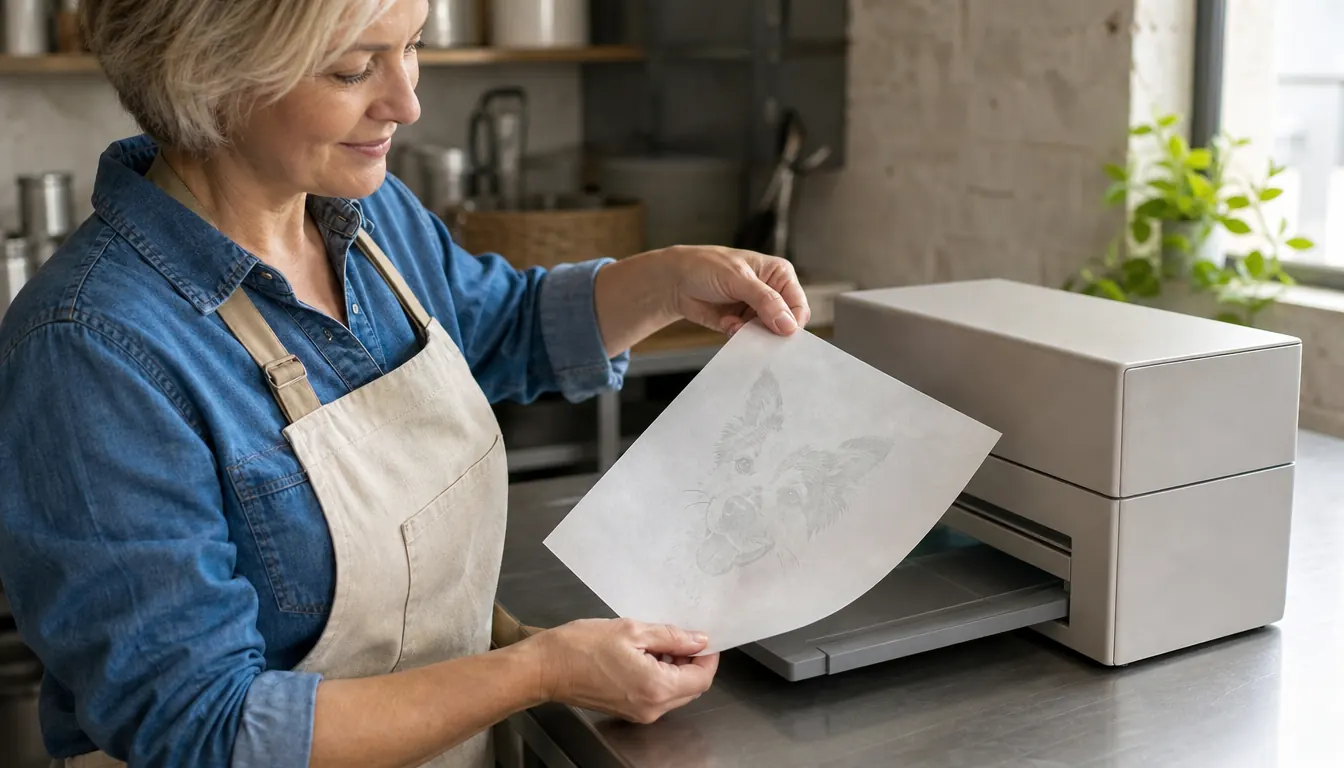
I am not going to pretend the tank printer is the worse machine, because at volume it is not. An EcoTank holds refillable ink in tanks instead of cartridges, and refilling a tank costs a fraction of what a cartridge costs per sheet. If you are printing fifty or a hundred transfer sheets a week, that gap adds up fast and it is the single best reason to go that route. The people I know who run converted tanks and love them are not casual. They print constantly, they buy ink by the bottle, and they have the whole thing down to a routine.
The other real advantage is freedom. A converted EcoTank will take files from whatever software you already know, and you are not working inside one app. If you are comfortable in a full design program and you want exact control over your output, that matters. The catch is that you are also the color management department. You have to source a profile that matches your ink and your paper, and you have to redo the work if either one changes. Plenty of people get there and love it. The ones who quit are the ones who did not know that was the job when they started.
Skip the color fight and start pressing this weekend
The Brother Sublimation Printer is built for dye sublimation, runs off the Artspira app on your phone or tablet, and fits on half a folding table. If you would rather learn heat pressing than ICC profiles, this is the one.
Amazon Check Today's Price on Amazon →What the Brother Workflow Actually Looks Like
Download the Artspira Creative App on your phone or tablet. That is step one, and you cannot skip it, because the app is what powers the printer. Create the design in the app or import an image you already have and save it, up to 20 printing images at a time. Transfer it to the printer. Print it onto sublimation paper. Heat press it onto the blank. Finish it.
That is the whole thing, and for a beginner that is worth a lot. I have printed a team roster at ten at night on a tablet at my kitchen table and had it under the press an hour later. No profile hunting, no test sheet I have to throw away, no wondering whether the blue is going to come out purple on a polyester shirt. It will not be as fine-tunable as a machine you have spent a month dialing in. It just works the first time more often, and for someone taking their first few orders, that is the thing that keeps you in business long enough to get good.
Last September a church group sent me a folder with twelve names in it and wanted them on shirts by the following Sunday. I built one design on the tablet after supper, imported the file into the app, and saved it so I could pull it up again for the next group in that same size. Then I printed all twelve transfers in one stretch and started pressing at nine that night. Nothing about that evening was clever. It was just short, and short is what you want when somebody else's deadline is sitting on your table.
What Converting an EcoTank Actually Involves
You buy the tank printer. You buy sublimation ink separately and fill the tanks yourself, which is messier than the videos make it look if you are doing it over a light colored table. You install a color profile built for your ink and your paper. Then you print test sheets and adjust, because a profile that is close is not the same as a profile that is right, and the difference shows up on a customer's shirt. There are people who do this in an afternoon. There are people who fight it for a month, and there is no way to know which one you are until you are in it.
There is a woman in my Facebook group who runs two converted tanks and turns out genuinely beautiful work. She also spent most of a February getting the first one right, and she will tell you so herself. When she switched paper brands she went back and bought a second profile, and she keeps a printed test sheet taped inside a cabinet door so she can compare against it when a run looks off. That is what doing it well actually looks like. It is not a weekend project, and she would be the first to say so.
The part nobody mentions out loud is the warranty. Third-party sublimation ink in a printer that was not sold for sublimation is usually a conversation you do not want to have with a service department. The Brother is sold as a dye sublimation printer and carries a limited warranty for that use, so if something fails in month three you are not standing there explaining yourself. I am not saying the tank will fail. I am saying you should know which risk you are taking before you take it.
Ink, Paper and the Boring Math
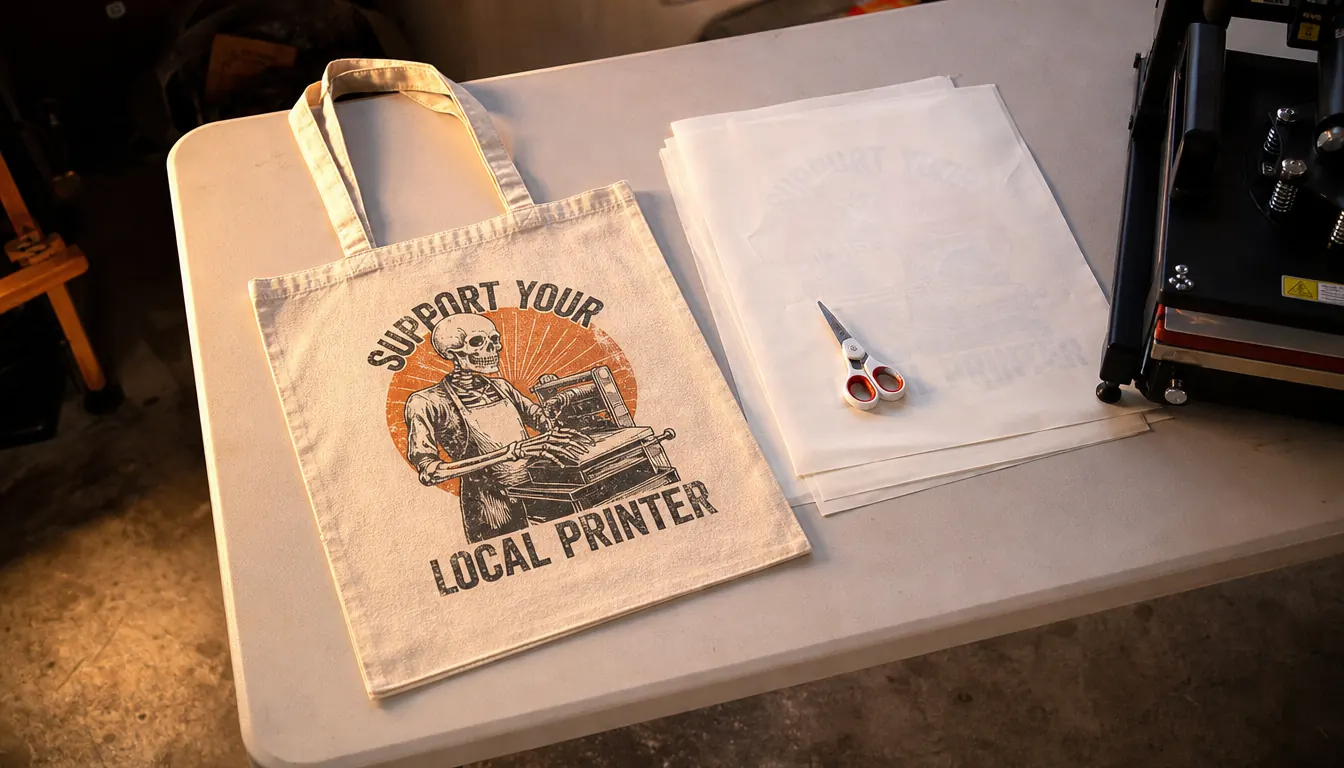
Paper matters more than most beginners expect. A transfer that looks perfect on cheap paper can look washed out on a shirt, and the failure has nothing to do with the printer. Buy a small pack of a paper you can actually reorder, print one sheet, press one scrap blank, and look at it in daylight before you print twenty. I ruined a stack of blanks in my first month because I was in a hurry and trusted a screen.
My garage gets thick and heavy in July, and paper picks that up. I keep the open pack in a plastic bin with a lid on it now, because a sheet that has sat out overnight prints differently than one that came straight out of the pack. That sounds fussy until you have pressed a tote with a washed out image on it and had to explain the whole thing to somebody who paid you for it. Buy the bin before you buy another box of blanks.
The same goes for time. Cartridge ink is not the cheapest per sheet, but the hour you save by not chasing a color problem is worth something, especially when the order is due Friday. Run it out honestly. If you print a couple dozen sheets a month like I do most months, the cartridge cost difference is a small line item against the time you get back. If you print two hundred sheets a month, the tank starts to make real sense and you should probably ignore me and go read about profiles.
What I Liked
- Built for dye sublimation, so the color path is tuned for the job instead of adapted to it
- Artspira Creative App handles design and transfer from a phone or tablet, with room to save up to 20 images
- Compact footprint at 20.1 inches wide, 10.8 inches deep and 7.9 pounds
- Touch control panel with an LCD display, easy to run one handed between presses
- Limited warranty covers the use it was sold for
Where It Falls Short
- Cartridge based ink costs more per sheet once you are printing real volume
- Design work lives inside the Artspira app rather than full desktop software
- You cannot repurpose it later as a document printer the way a tank machine is sometimes discussed
- It is still only half a setup, because you need a heat press before any of it pays off
The printer is not the hard part. The color is the hard part, and only one of these two machines has already done that work for you.
The Thing Neither Printer Fixes
Neither machine presses a shirt. You still need a heat press, and you still need to learn temperature and time for each blank, because a polyester performance shirt and a cotton tote do not want the same settings. That is where the actual skill in this business lives. The printer is the easy half. I have watched people agonize over which printer for weeks and then buy the cheapest press they could find, and they had it backwards the entire time.
I keep a notebook next to the press with the temperature and the time written down for every blank I have actually run, in my own handwriting, because the numbers on a product listing are a starting point and not a promise. The heavy cotton tote I use most wants a longer press than the performance shirts do, and I learned that by scorching one in my first spring and throwing it in the trash. Four years in, I still write the numbers down.
And neither one promises you a business. What they promise is transfers. Whether the orders come is about whether your local school has a fall fundraiser and whether you answer messages quickly. I say that because it took me a while to stop believing the equipment was the thing standing between me and steady work. It was not. The machine just has to be one you trust, so you can spend your energy on the press and the customers instead of on your printer.
Who Should Buy Which
Buy the Brother Sublimation Printer if you are new to this and you want to be pressing in days, not weeks. It is the right pick if your design work happens on a phone or tablet, if your workspace is a folding table you have to clear for dinner, and if you would rather spend your evenings practicing on blanks than reading about profiles. It is also the safer pick if you would be genuinely upset by a warranty argument, because it was sold to do this job.
Buy a converted Epson EcoTank if you already know your way around color management, if you are printing in volume, and if the lower ink cost per sheet is going to show up on your table every month. Buy it if you want to work in your own software and you are willing to own the profile setup and the warranty risk that comes with it. That is a real trade. It is just a trade a beginner usually should not make in month one.
One machine, one app, one less thing to learn the hard way
If you are starting from zero, the Brother Sublimation Printer takes the color problem off your plate and puts it back on the manufacturer, where it belongs. Design in the Artspira app, print, press, finish.
Amazon See Today's Price on Amazon →