If you bought the heat press first, you are in good company. I did the same thing four years ago: a press on a long folding table in my garage, a stack of blank shirts I was scared to touch, and no real understanding of how ink actually gets into fabric. When I finally went shopping for a printer, I hit the same fork every beginner hits. You can buy an ordinary inkjet and convert it with third party ink and paper, or you can buy a machine that was built for sublimation from the start. The Brother Sublimation Printer is the second kind. Mine has been sitting on that same folding table in Independence, Missouri for months, printing for school teams, church groups and a couple of small businesses, and I have a clear picture now of where it earns its keep and where it will make you step away from the table for ten minutes.
Let me be plain about what this is not. It is not a promise that you will make money, and I will not pretend otherwise. What I can tell you is what it prints, how the work actually flows from design to finished blank, and the three places where beginners tend to get burned. If you would rather know before you spend than find out afterward, keep reading.
The Quick Verdict
A purpose built dye sublimation printer that removes the conversion guesswork. Strong on shirts, totes and small batches. Held back by an app-first workflow, paper that curls in a humid garage, and the fact that it does exactly one thing.
Amazon Check Today's Price →Stop researching and print your first blank
Built for dye sublimation from the factory, with the design work handled in the Artspira app. Check today's price and current stock on Amazon.
Amazon Check Today's Price on Amazon →How I've Used It
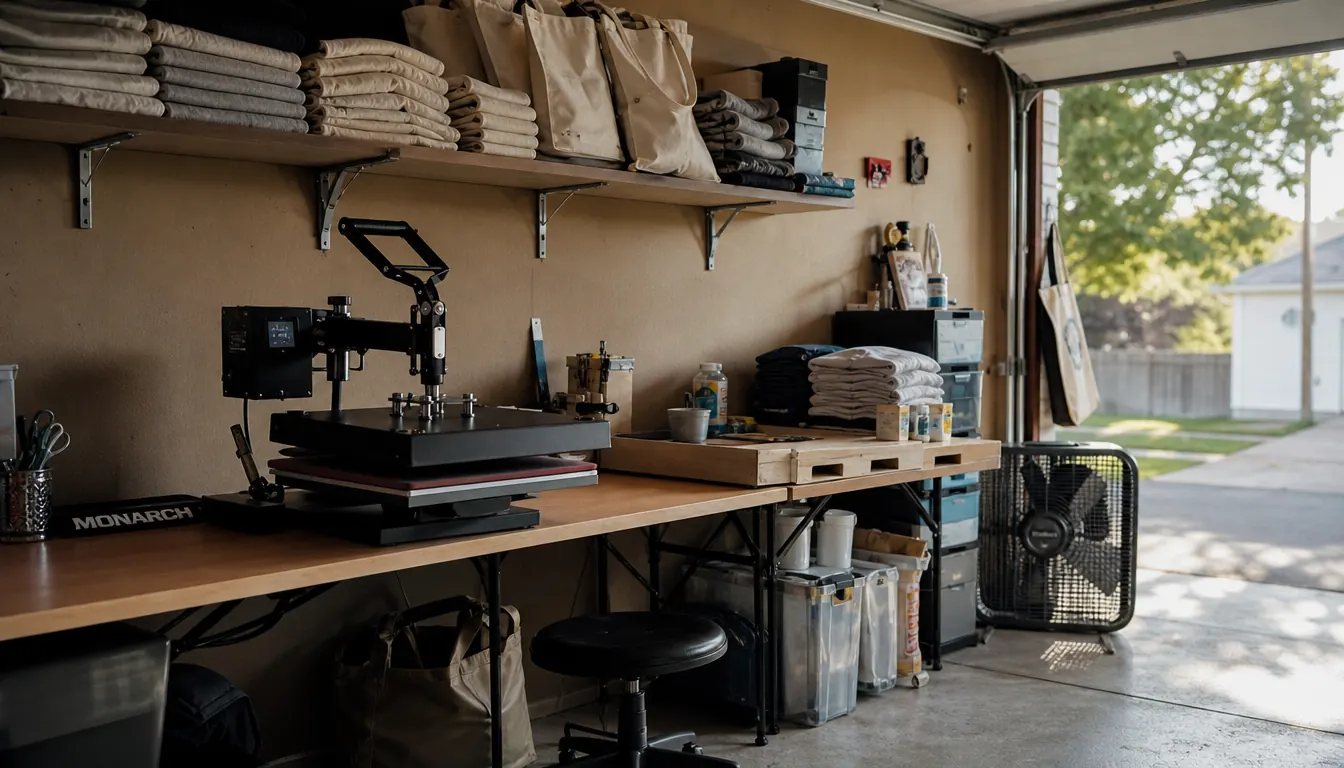
My shop is a converted one car garage. The press sits at one end of the folding table, blanks live on a shelf above it, and a box fan runs in the corner from June through September. The printer measures 20.1 inches wide by 19.1 inches high by 10.8 inches deep and weighs 7.9 pounds, so I carried the box in myself and set it down without calling Gary for help. It takes up roughly half the footprint of my press. The only two things I had to solve were a flat surface and an outlet, and the outlet was already there for the fan.
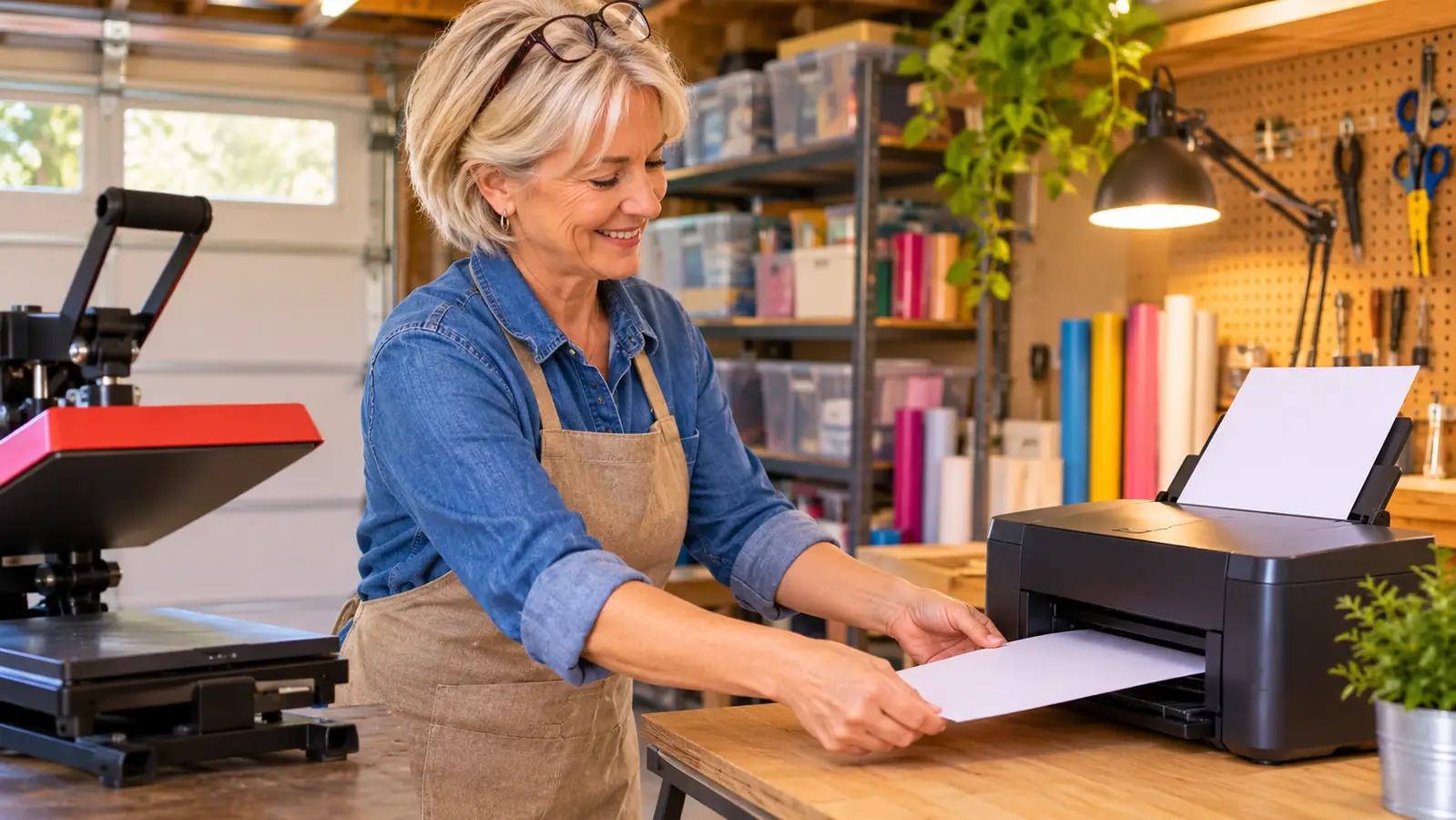
It arrived on a Thursday and sat in the box until Saturday morning, because I have learned not to open anything new on a weeknight. Saturday was a church group shirt order, twelve shirts, and I wanted to print my own transfers instead of ordering them in and waiting on somebody else's schedule. I wiped the table down, set the printer to the left of the press so the paper path ran away from the heat, and gave myself two hours before I had to be anywhere. That turned out to be about right for a first session, mostly because forty minutes of it went to figuring out where things live in the app and which screen sends a job.
Practically everything I print starts in the Artspira app on my tablet. The listing is blunt about this: you download the app first, then you create or import your design, save it to a library of up to 20 images, send it to the printer, and press the sheet onto the blank. The app is not an optional extra that makes things nicer. It is the front door. Once the design lands on the printer, the rest is the same routine I have run for four years: line the blank up, check my time and temperature, and peel the paper while it is still warm if the blank calls for it.
The control panel is an LCD with touch controls, so settings happen on the screen rather than through a sequence of button presses I have to memorize. It prints in color, using cyan, magenta, yellow and black sublimation ink, on thermal paper or on fabric. Most weeks that means a dozen team shirts, six totes for a family reunion, and a few mug wraps. If that sounds like a small operation, it is. It is also exactly the size of job the Brother handles comfortably, which matters more than anything printed on the box.
What the Prints Actually Look Like
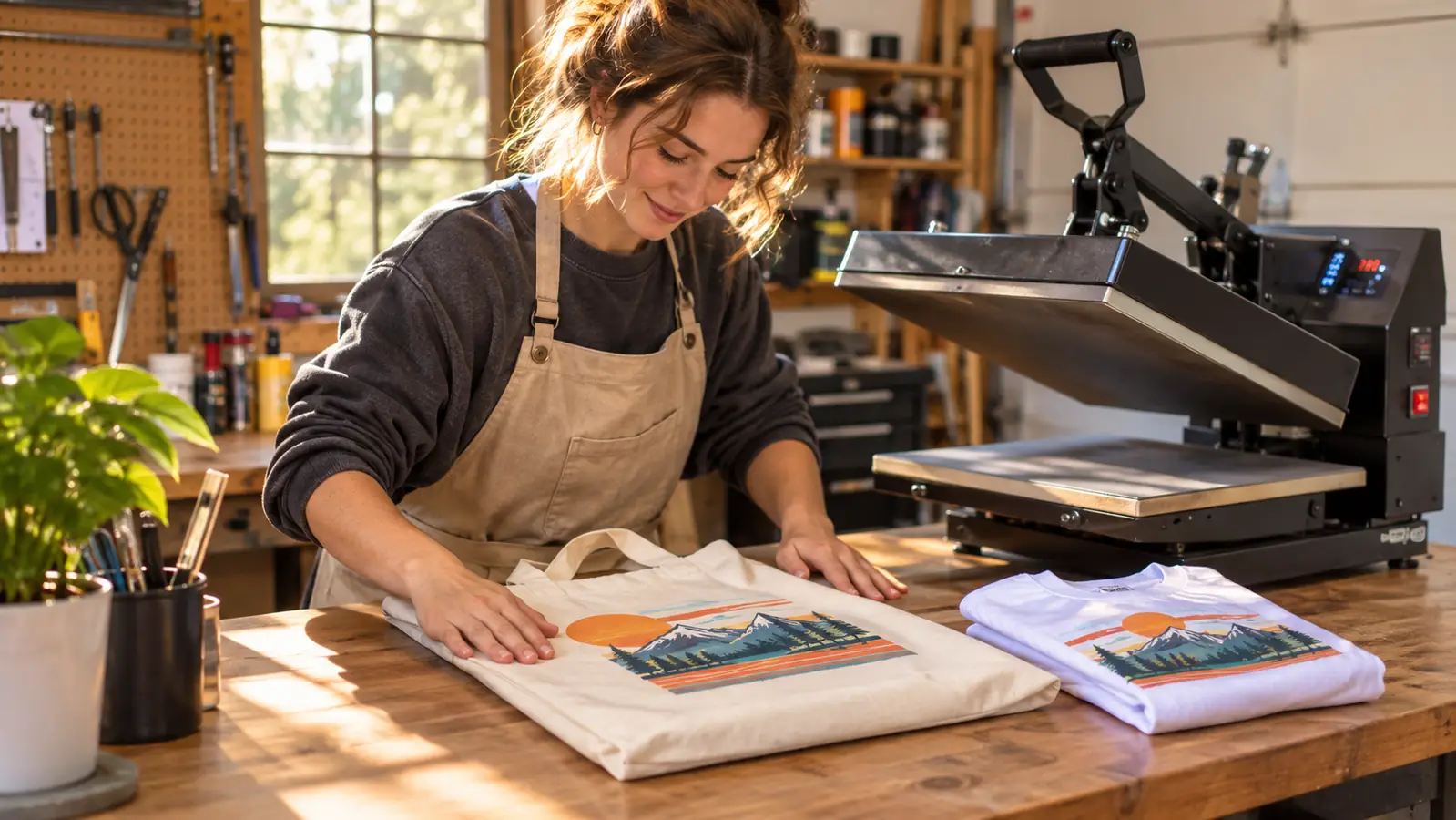
My first ten sheets came out pale and I blamed the printer. I was wrong. The press was running cool and my dwell time was short, so the ink had nowhere to go. Once I fixed my pressing routine, the output was consistent sheet after sheet, with clean edges and full color on polyester. That is the honest version of the story, and it is the version that will save you the most grief. If a print looks washed out, check the press before you blame the machine.
On thermal paper the print comes out crisp and holds its depth all the way through the press. On fabric the transfer is softer at the edges, which is normal for sublimation and not a defect. Photographs did better than I expected on a tote panel. Fine text under about ten point gets fuzzy and starts to break up, so I keep small type off anything that will be worn and washed more than once.
One job sticks in my mind. A family reunion order, six totes with an old photograph of somebody's grandparents printed on the front, and the photo was slightly yellowed from however many years it spent in a shoebox. I sized it to fill the panel, printed one test sheet, pressed it onto a scrap of canvas, and the yellow came out warm rather than muddy. I printed the other five that afternoon and every one matched. What I noticed on those was the edge. A full bleed photo on canvas looks better if you leave a half inch of margin and let the seam of the tote hide the fade, because a hard edge on soft fabric reads as a mistake even when the print itself is perfect.
There is also a scan function listed among the printer's additional functions. I have used it twice, once to copy a paper order form and once to grab a sketch out of my grandson's notebook so I could clean it up in the app. It is not the reason you buy this machine, but it is nice to have on the same table as everything else.
Where the Artspira App Helps and Where It Gets in the Way
The good part is that the app removes the file arguments that used to eat my evenings. I do not fight with print dialogues or conversion settings I do not understand. I place the design, I size it, I send it. The library of 20 saved images sounds small until you realize it is a working rotation, and an old design can be re-imported when a team orders again the next season.
That 20 image limit deserves a plain explanation, because it sounds tighter than it actually is. It is a library, not a folder tree, so I treat it like a rotation. When a season ends, the oldest designs come out to make room. The church group that orders every spring got their logo back in about two minutes this year because I had left it in the library over the winter instead of clearing it out for the sake of a clean screen. If you run more than twenty active designs at once, you will be re-importing from wherever you keep your original files, and that is a small tax on every job. I keep a folder on the tablet with the source art for exactly that reason.
The less good part is that you are working on a phone or tablet every single time. The listing points to iOS for the controller, and that is what I use. If you are the sort of person who wants to lay out a design on a laptop with a mouse, this workflow will feel like a step sideways, and it is worth trying the app before you commit to the printer.
There is a learning curve, but it is short and it is all front loaded. Two evenings of poking at it and I could do in five minutes what took me forty the first night. Gary still cannot find the design library, but he also cannot find the ketchup, so I do not hold that against the app.
If a print looks washed out, check the press before you blame the machine. Nine times out of ten the printer did its job and your time or temperature did not.
Where the Brother Slows You Down
Thermal paper curls. It is thin, it picks up humidity in a garage, and it will jam if you load it crooked or leave it sitting in the machine overnight in July. I keep my paper in a sealed bin with a silica pack now, and I load only what a job needs. Since I started doing that, I have had one jam in three months, and that one was my fault for stacking the bin under a leaky shelf.
I buy paper in the size that fits the jobs I actually run, and I keep it flat, in the bin, with the lid clicked shut. The bin lives on the shelf above the table, not on the floor, because the floor in a garage gets damp when it rains for three days straight and paper wicks that up without telling you. I also stopped loading the tray full. Eight or ten sheets at a time is enough for a shirt order, and a half full tray feeds straighter than a full one in July. None of that is in the manual. It is just what four summers in a garage teaches you about paper.
The second thing is that this is a single purpose machine. It is a dye sublimation printer. It prints on thermal paper and on fabric. If you want one box in the house that prints homework, copies receipts and also runs your blanks, this is not that box. The scan function helps a little, but the printing side was built for shirts and totes, not for algebra worksheets.
Third, it rewards a level table. Mine sits on the folding table, which is level enough, but I noticed uneven color the week I shifted things around and one corner ended up on a folded rag. Small thing, easy fix, worth knowing before you spend an evening convinced the machine is broken. The warranty is limited, so register it the week it arrives and put the receipt somewhere better than the junk drawer.
What I'd Check Before You Unbox It
Have your blanks before the printer arrives. A machine that can print the same afternoon and no polyester shirts in the garage makes for a frustrating week. Order a small mixed batch: a few shirts in the sizes you actually sell, two totes, and paper sized for the jobs you plan to run. I made that mistake with my first press, bought the machine and had nothing to press, and lost a whole weekend waiting on a delivery. Then leave the boxes alone until you have an evening free.
Know your press settings before you judge the printer. Sublimation only works if the ink turns to gas and the fabric accepts it, and that part is entirely a press job. If your press runs cool or your time is short, you will get pale prints and conclude the printer is bad when it is not. Write your time and temperature on an index card and tape it to the table where you can see it.
Then print one test sheet per blank type before you take a single order. It uses one sheet of paper and ten minutes, and it tells you more than any review, including this one. My test sheet lives in a plastic sleeve by the press and gets replaced every time I open a new box of blanks.
What I Liked
- Built for dye sublimation from the factory, so there is no conversion project
- Artspira app handles design and keeps up to 20 saved images for repeat orders
- LCD panel with touch controls is easy to read from a standing position at the press
- 7.9 pounds and a 20.1 by 19.1 inch footprint fit on a small folding table
- Consistent color once your press time and temperature are dialed in
Where It Falls Short
- App-first workflow, with the listing pointing to iOS for the controller
- Thermal paper curls and jams if you leave it loaded in a humid garage
- Dye sublimation only, so it will not replace the household printer
- Fine text under about ten point goes soft on fabric
- Limited warranty, so register it right away and keep the receipt
Who This Is For
This is for the person who already has a press and is tired of the conversion guessing game. You know you want to print on polyester shirts, canvas totes and mug wraps. You want the design side to live in one app instead of five programs, and you are fine working from a tablet while you stand at the table. You do small batches, you take orders from people you know, and you would rather learn one machine properly than babysit a converted inkjet that clogs every time you skip a week. If you are printing left chest logos, full front prints at standard width and simple tote panels, the Brother will keep up with you and do it without drama.
Who Should Skip It
Skip it if you want one printer for the whole house. It is a sublimation machine and it behaves like one. Skip it if you refuse to design on a phone or tablet, because the app is not a side option, it is how the job starts. Skip it if your garage floods with humidity every August and you will not store paper in a sealed bin, because you will spend your evenings clearing jams. And skip it if you are shopping for a printer to solve a business problem you have not solved yet. No machine fixes a missing customer. Buy blanks, print one test sheet, take one order, and let the work tell you what you need next.
Print one test sheet and let it decide for you
A dye sublimation printer with the design work built into the Artspira app. If your press is already on the table, this is the other half of the setup. Check today's price and stock on Amazon.
Amazon Check Today's Price on Amazon →