Most reviews of the Brother Sublimation Printer get written on day one, by somebody who has owned the machine for about four hours. I understand the impulse. It is a pleasant thing to unbox, the first transfer comes out sharp, and everything feels solved. I would rather give you the day sixtieth version, the one where the ink is half gone, the honeymoon is over, and there is a church group waiting on forty tote bags in the back of the garage.
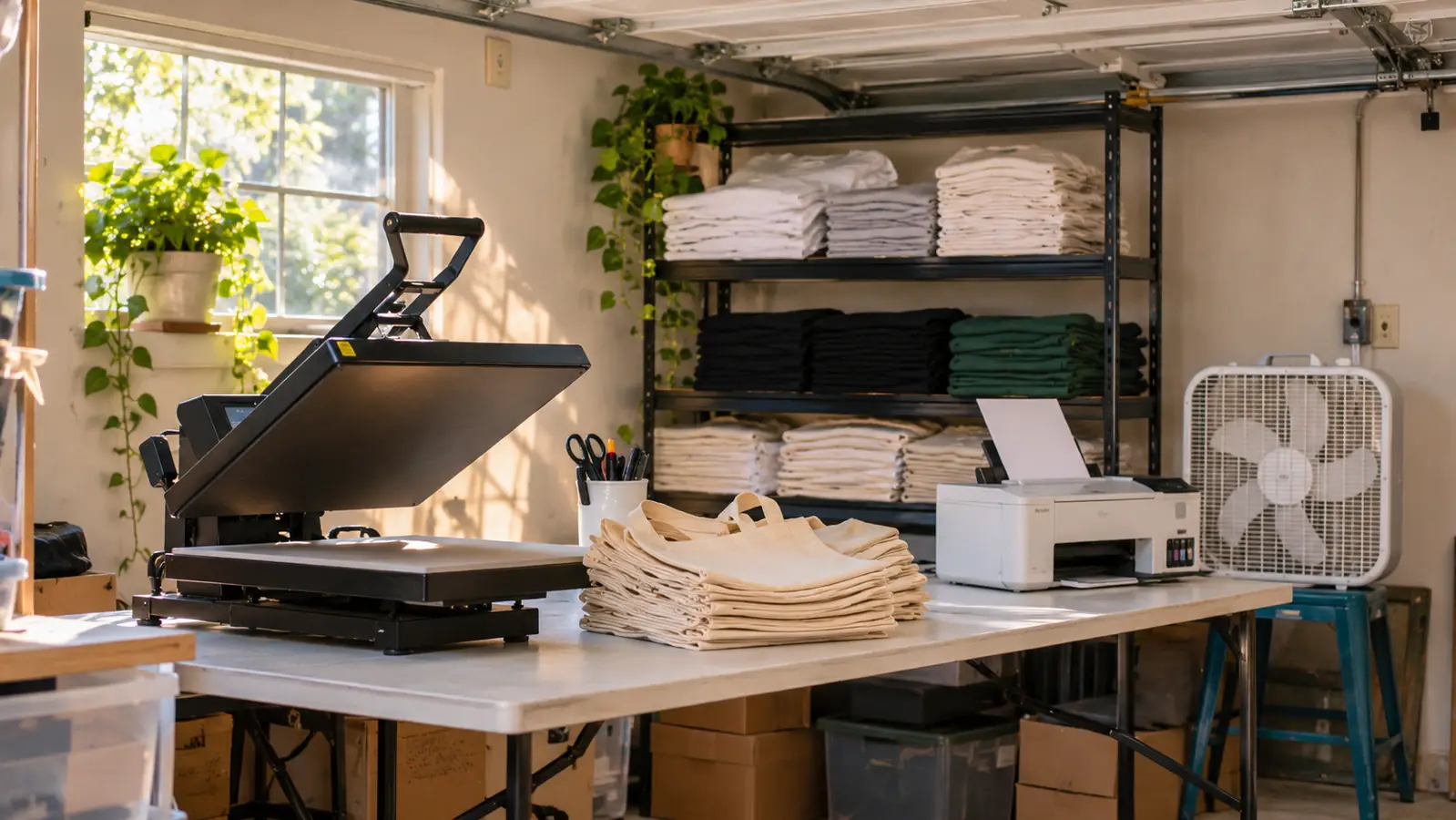
For context, I press shirts, totes and mugs out of the converted one-car garage of my house in Independence, Missouri, and I have been at it about four years. It started with team shirts for my grandson's baseball league and grew into a small word of mouth thing. School teams, church groups, family reunions, a couple of small businesses. My husband Gary folds and bags on the busy weekends. I bought the Brother because I was worn out from fighting a converted inkjet that needed a cleaning cycle every twelve sheets, and I want to be straight with you about what that trade actually got me.
The Quick Verdict
A dye sublimation printer that does exactly what it says and nothing more. The app and the ink decide whether it fits you, not the print quality.
Amazon Check Today's Price →The honest short version: it prints beautifully, and the app runs the show
If you are comfortable designing on a phone or tablet and you already own a heat press, this is one of the simplest ways into sublimation. If either of those is not true, read the middle of this piece before you spend anything.
Amazon Check Today's Price on Amazon →What This Machine Actually Is, and What It Is Not
The Brother Sublimation Printer is a dye sublimation printer. That phrase gets used loosely, so here is the plain version. It is a color printer that lays dye sublimation ink onto transfer paper. It does not print onto a shirt. It prints a sheet, and your heat press turns that sheet into the shirt. Everything about whether you will like this machine follows from that one fact.
The ink set is cyan, magenta, yellow and black, four cartridges rather than one. The listing names fabric and thermal paper as print media, which lines up with what sublimation transfer paper actually is. The machine measures 20.1 inches wide, 10.8 inches deep and 19.1 inches tall, and it weighs 7.9 pounds, so it is a countertop machine, not a floor machine. It has an LCD display and a touch control panel. It is a color output printer under a limited warranty, and Brother also lists scan among its functions, which I will come back to.
What it is not: it is not a wide format printer, it is not a printer that prints directly onto fabric, and it is not a heat press. That last one trips up more beginners than anything else I see in the local Facebook group. You are buying half of a system here, and the other half is the thing that actually makes the shirt.
I say that without any bitterness. Half a system that works is better than a whole system that fights you. But if you are budgeting this month, budget the press too, or you will be looking at a very capable printer and a shelf of blanks you cannot touch.
How I Have Actually Used It
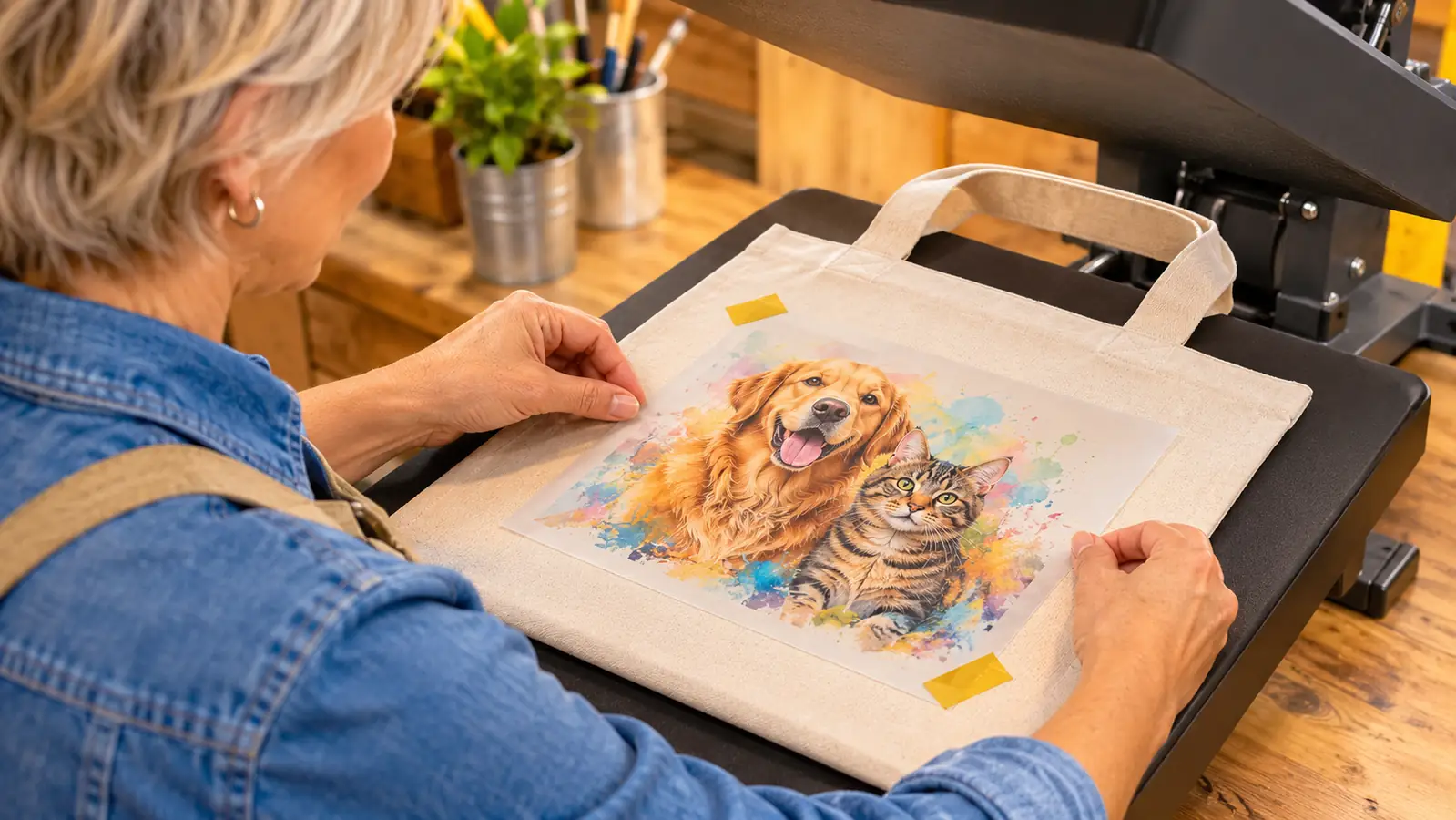
I run the same three jobs over and over, and I suspect you will too. Team shirts in dozens, tote bags for church auctions, mugs for family reunions. The Brother handles all three the same way: design, transfer to the printer, print the sheet, press the blank, trim and bag.
Setup took me the better part of an afternoon, and most of that was the app, not the hardware. The physical part is a power cord, four cartridges, and paper in the tray. Getting the cartridges seated properly is the only step I had to redo. The touch display walked me through the rest without me opening a manual, which is more than I can say for my old machine.
The function I did not expect is scanning. Brother lists scan among the machine's functions, and it has earned its place in my workflow. When a customer hands me a printed logo on paper from some fundraiser twenty years ago, I can bring that image in rather than rebuilding it by hand from a photo on my phone. That has saved me more time than any other feature on this machine, and it is the one nobody mentions in the reviews.
Where it earns its keep is repeatability. Twenty jerseys of the same design, and the twentieth sheet looks like the first. My old converted inkjet started drifting somewhere around sheet twelve and I would have to stop everything and run a cleaning cycle while a customer waited. Losing that particular fight has been worth the price of admission on its own.
The Artspira App Is Not Optional, and That Decides a Lot
Here is the thing that belongs in the first paragraph of every review and rarely is: this printer is built around the Artspira app. You create the design in it, you send it over, you print it. Brother's own listing says you must download the Artspira app before you can use the printer for crafts. It is not a suggestion, and it is not one of two paths. It is the path.
The app runs on a phone or tablet, and the listing also credits PC compatibility, so you are not chained to a phone if you have a computer set up. You can import and save up to 20 printing images in it. Twenty sounds like a generous number until you have a school spirit week with five designs across four grade levels, and then it is a revolving door of deleting one thing to make room for another at eleven at night.
Designing on a phone screen is fine for what most of us actually make. A name, a number, a mascot, a date, a short line of text. It is not fine for anything fussy. If you are the sort of person who wants to nudge a line by a sixteenth of an inch and check it four times, you will feel that small screen in your shoulders by the end of the evening.
This is the part I would want a friend to tell me before I bought. The machine is not the product. The app is the product, and the printer is the thing sitting at the end of it. If you resent working on a phone, you will resent this printer, no matter how good the output looks coming off the tray.
Four Cartridges Decide the Real Running Cost
Sublimation ink is not free, and the Brother uses four cartridges instead of one. That is normal for a color dye sublimation printer, and it also means four separate ways to run dry at the worst possible moment, which is always halfway through a job.
What I have learned over a year of sheets: simple text designs are cheap to run, and big saturated backgrounds are not. A design with a full bleed color behind one name will pull through the color cartridges at a rate that makes you flinch when you check the levels. If you are building a price list for your own work, do not price by the sheet. Price by the design. A ten word name design and a full background design are not the same job, and charging them the same is how people quietly lose money doing this.
The cartridges also empty unevenly, and it is almost never yellow. The color cartridges go first, black holds on longer, and yellow sits at half full for months like it is mocking you. I keep one spare of each on the shelf now. Not because a cartridge is worth interrupting a job for, but because a run that stops on shirt fourteen of twenty is a genuine mess to restart cleanly.
The Mistakes I Made So You Do Not Have To
Sublimation paper curls. It is thin, it absorbs moisture from the garage air, and the corners lift. If a corner lifts on the way through, the design goes down crooked or the sheet shifts and you get a doubled, ghosted edge that is unusable. I tape all four corners with heat resistant tape now. It takes ten seconds per sheet and it has saved me more blanks than any other habit.
The first time I pressed a transfer without stopping to check which way the design was facing, my mascot came out backwards on a shirt I had already promised for a Friday game. Sublimation transfers are not forgiving on that. Lay the sheet down, look at it, then close the press. Every single time, no matter how many you have done that week.
And polyester scorches. It does not wrinkle the way cotton does, it goes shiny and then it goes brown. I ran a tote at a temperature that had been fine for a shirt and ended up with a hard shiny ghost on one corner that no amount of re-pressing fixed. Now I keep a written log taped to the wall with the time and temperature for each blank type, and I actually read it before I start rather than trusting my memory at nine at night.
Where It Genuinely Surprised Me
The footprint is smaller than the shipping box suggests. At roughly 20 inches wide by 11 inches deep, it sits on my folding table next to the press with room left for a stack of blanks, and at 7.9 pounds I can lift it to the shelf when the table is needed for sorting orders. In a one-car garage, every inch of table is contested, so that matters more than it sounds.
The touch display and the LCD are better than I expected at this level. It is readable under garage lighting and it tells you what it is doing without making you dig through menus on a screen the size of a postage stamp. A small thing, until you have used it forty times and stopped noticing it at all, which is the highest compliment I can give a control panel.
What I Liked
- Setup is straightforward and the touch display walks you through it
- Repeatable output, where the twentieth sheet matches the first
- Small footprint at 20.1 by 10.8 by 19.1 inches and 7.9 pounds
- The Artspira app keeps the whole design workflow on a phone or tablet
- The scan function is genuinely useful for logos handed to you on paper
- Four separate cartridges mean you replace the one that is actually empty
Where It Falls Short
- The Artspira app is mandatory, not optional
- The app saves up to 20 images, which fills fast on multi design jobs
- Designing on a small screen is limiting for detailed artwork
- Four cartridges, and the color ones run out long before yellow
- It is half a system: you still need a heat press, paper and blanks
- Big saturated backgrounds burn through ink faster than you expect
A full bleed background behind one name will pull through the color cartridges faster than you expect. Price the design, not the sheet.
What It Will Not Do
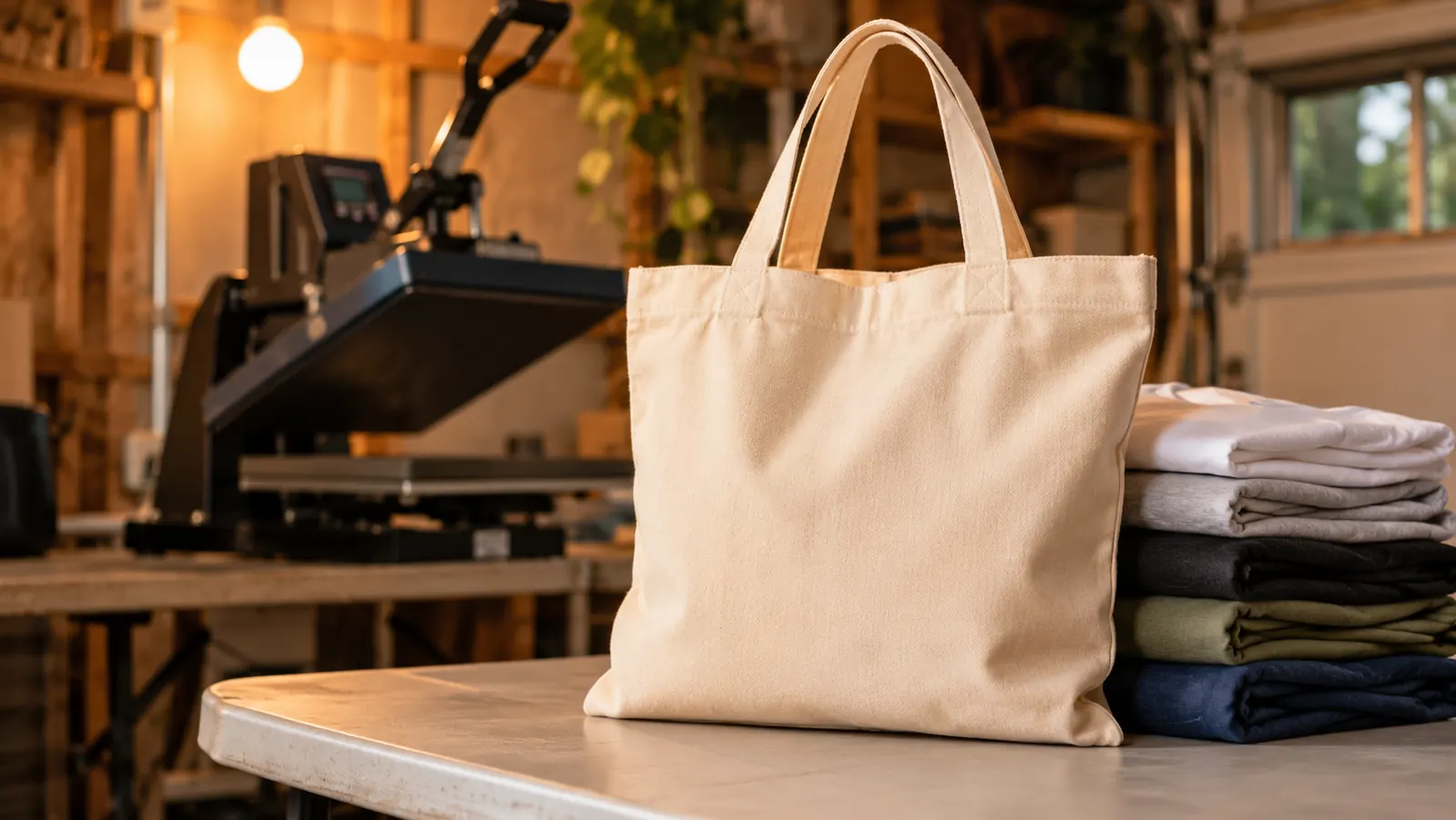
It will not print on cotton. Dye sublimation needs a high polyester content to bond properly, and a hundred percent cotton tee will give you a faded ghost of a transfer that washes out in two cycles. I learned that one the hard way with a dozen shirts I had already promised to a neighbor, and I ate the cost of replacing every one of them rather than hand over something that would look terrible in a month.
It will not print white, and it will not put light colors on dark garments. That is not a Brother limitation, that is dye sublimation as a process. If a customer wants white lettering on a navy hoodie, you are in the wrong process entirely and you should be talking about vinyl. Knowing when to say no to a job is worth more than any feature on this machine.
And it will not press anything. There is no heat press here. Your press, your paper, your blanks, your time. Budget for those separately or you will get the printer home on a Tuesday and find yourself unable to make a single shirt until the rest arrives.
What Four Years of Pressing Taught Me About Buying Printers
The machine is the least interesting part of this work. I know that is a strange thing to read in a printer review. But the jobs that came back to me happy came back because the blank was right and the press settings were right, not because the printer was fancy. A mid level printer and a good press will beat a good printer and a cheap press every time.
The second thing is that consistency is worth more than speed to a small operation. I am not racing a factory. I am trying to hand a church group forty tote bags that all look the same on Saturday morning. The Brother is not fast and does not need to be. It is the same on sheet one and sheet forty, and that is the whole job.
Who This Is For
You are a good fit if you already own a heat press, or you are buying one in the same week. You are a good fit if your work is names, numbers, logos, mascots and simple graphics, which is the bulk of what a local side business actually sells. You are a good fit if you are comfortable designing on a phone or tablet and you do not need a desktop application to feel in control of your work.
And you are a good fit if you want the boring part handled. The Brother is not an exciting machine. It is a consistent one, which is a better thing to be when you have forty tote bags due Saturday and a husband folding in the corner.
Who Should Skip It
Skip it if your design work runs to detailed illustration or heavy typography that needs real precision. The app will fight you and you will fight back, and nobody wins that. I have turned down a couple of jobs that needed that kind of control, and I do not regret it.
Skip it if you are not ready to buy a heat press. A sublimation printer on its own makes very pretty paper and nothing else, and that paper will sit on your shelf while you decide whether you really meant to start a business.
And skip it if you are the sort of person who wants to use your own design software end to end and never open an app. That is a real preference and a legitimate one, and there are converted tank printers that suit it better. I wrote about those two paths side by side, and the honest answer is that both work. They just work for different people with different patience.
What I Would Do Differently
I would buy the printer and the press in the same week instead of a month apart. Sitting on a printer I could not use was the most frustrating stretch of this entire project, and it was self inflicted. If you are going to do this, do it in one go or wait until you can.
I would also start the settings log on day one instead of month four. Time and temperature per blank, written down, taped to the wall. It sounds like the least interesting advice in this article and it is the advice that saved me the most money. If you want the longer version of how this machine has held up past the first year, including the parts I got wrong, that is written up separately.
If the press and the app are both handled, this is a machine you can grow with
It prints clean, it repeats clean, and it takes up less of your table than you expect. Go in knowing that the Artspira app is the real workflow and the ink is the real running cost, and there are very few surprises left after that.
Amazon Check Today's Price on Amazon →