I have talked three people out of buying the Cricut Joy Xtra in the past year, and two of them bought it anyway. Both of those two still run it every week. The one who listened went and bought a full size machine instead and now uses it maybe twice a month, mostly to cut things she could have cut with scissors. That is the entire review in one paragraph, but you probably want the reasons.
So here is the honest version, from a woman who has been pressing shirts in a converted one car garage for about four years. The Cricut Joy Xtra is a small smart cutting machine. It cuts vinyl, iron on HTV, cardstock and sticker material. It draws with a pen. It works alongside an inkjet printer for print then cut projects. It does those things well. What it does not do is turn you into a business, and a good deal of the marketing around it quietly implies otherwise.
I write for the person who just bought their first heat press and is nervous about wasting blanks. If that is you, the questions you actually have are not about blade pressure settings. They are about whether this machine can make the things you plan to sell, and whether buying the small one is a mistake you will regret in three months. So I will answer those directly, and I will tell you the parts of using it that nobody puts on the box.
The Quick Verdict
A genuinely good small cutter for team names, totes, mug wraps and sticker sheets. Not a full size machine, not a business in a box, and the sticker work depends on an inkjet printer you may not own.
Amazon Check Today's Price →If you already know you want the small one, this is the bundle
Machine, fine point blade, fine point pen, mini weeder, cables and 30 bonus digital images. Check today's price before you commit either way.
Amazon Check Today's Price on Amazon →What Nobody Tells You Before You Unbox It
The first thing is that this is a cutter. It is not a printer and it is not a press. It has no way to put ink on anything. Every color you see in a finished sticker or a printed tote comes from somewhere else, either a sheet of colored vinyl you bought or an inkjet printer sitting beside it. The machine moves a blade and a pen. That is the whole job. If you are coming from the sublimation side of things and expecting the Cricut to handle the printing, it will not, and no amount of reading the listing twice will change that.
The second thing is the printer. The listing mentions print then cut, and print then cut is genuinely the feature that makes sticker and label work possible. It also requires you to own an inkjet printer. The listing is specific about inkjet, and it names printers, computers, tablets and smartphones as the devices the machine works with. So the real entry cost quietly includes hardware you may not have. I had a printer already because of years of school paperwork. Plenty of people do not.
Mine is a plain inkjet that has printed four years of school forms and birthday invitations, and the print then cut alignment has held up well enough for the sticker sheets I sell to a church group. I would not go buy a printer just for this. I would check the one I already own first and read the compatible device list on the listing before assuming anything. If the printer in your house is a laser, it is not the printer this feature is describing.
The third thing is the cutting area. Cricut lists the active surface area at 95.94 square inches. That number is the honest headline of this machine. Everything it is wonderful at fits comfortably inside it, and everything it is frustrating at lives on the other side of it. A shirt pocket design, a set of names for a team roster, a run of stickers, a mug wrap split into two pieces. All fine. A full back of the shirt graphic in one piece. Not fine.
Just under ninety six square inches of active surface area is the whole story. Everything this machine is good at fits inside that number, and everything it is bad at sits on the other side of it.
None of that is a knock on it. It is just the shape of the tool. But I have watched people buy the small machine expecting a full size one and spend their first weekend angry at a piece of equipment that was doing exactly what it said it would do. I would rather you spend that weekend making something.
How I've Actually Used It
I started four years ago making team shirts for my grandson's baseball league, and I still do a run of those every spring. The Joy Xtra handles the roster work for that better than I expected. Names in a clean font, numbers cut from HTV, one small logo. Each piece is short, and short is what this machine is built for. I load a scrap, cut, weed at the folding table, press. Repeat. By the end of an evening I have a stack of finished pieces and a stiff neck.
Last spring that was fourteen jerseys in one weekend. I put the roster on a clipboard, cut every name twice so I would have a spare if one peeled badly, and worked through them in alphabetical order so I could check them off as they came off the press. Gary folded and bagged while I cut. All fourteen were done by Sunday evening with no ruined jerseys and one very cranky back. It was not fast. It was steady, and steady is what got fourteen of them finished.
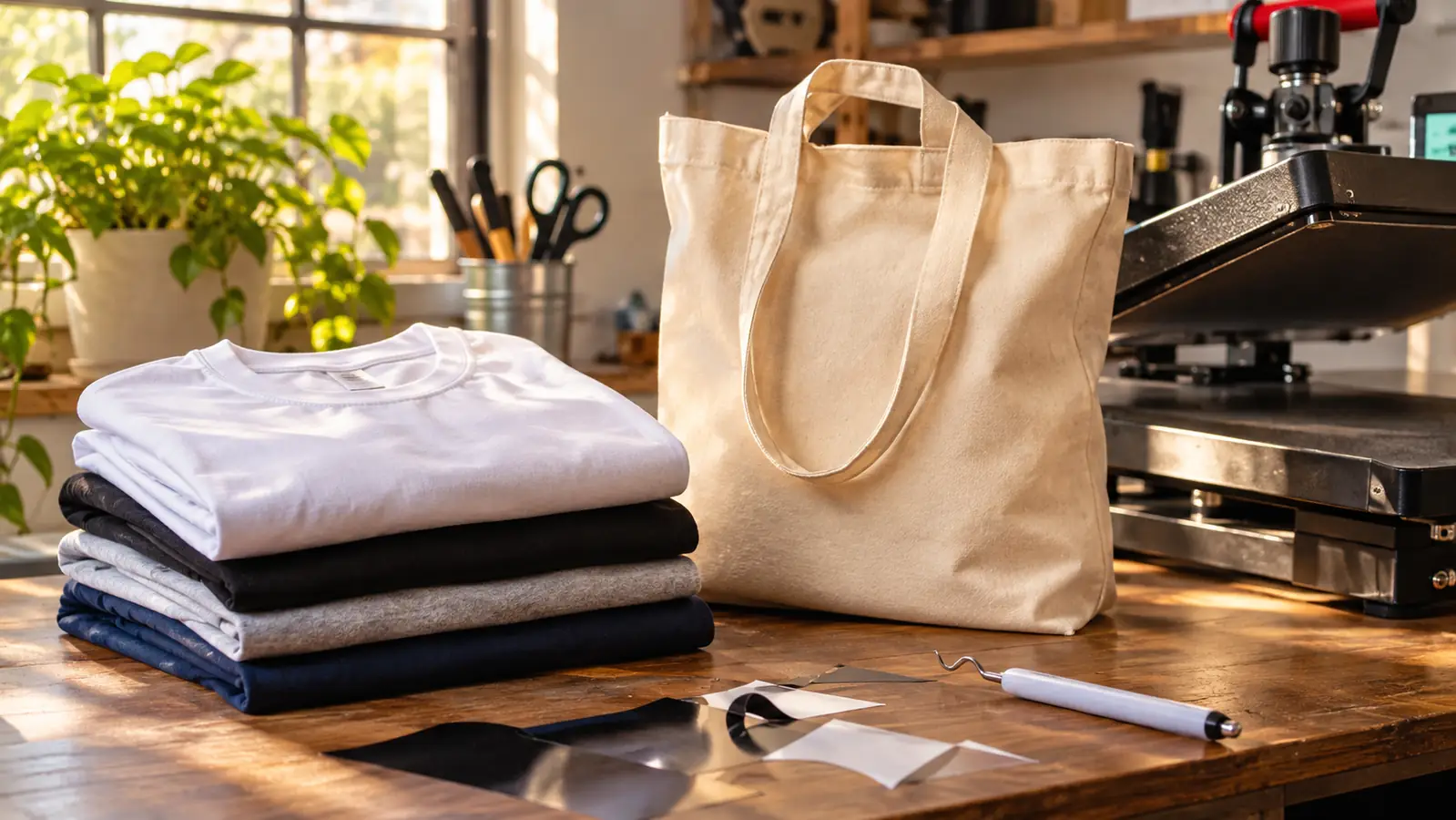
The other steady job is tote bags for a church group I sew for twice a year. Those are simple one color designs, maybe eight inches across. I can fit a couple of them on the mat at a time if I lay them out with some care. It is not fast, but it is fast enough for an order of twenty, and twenty is the size of order I actually take.
Stickers are the third thing, and this is where the bundle earns its place. The machine ships with a fine point blade, a fine point pen, a mini weeder, a welcome card, a USB cable, a power adapter and thirty bonus digital images. The pen and the weeder are the two items I reach for most after the blade. Pens are underrated for anything that wants a handwritten feel, and the mini weeder is small enough that I keep it in my apron pocket instead of hunting across the table for it.
The Size Limit, in Plain Terms
People ask me about width and I always answer the same way. This machine is narrower than a full size cutter, which means the material you feed it is narrower than a full size cutter takes. That is not a small difference. It changes what you can design. A back of the shirt graphic that reads from ten feet needs space, and the honest workaround is to break it into pieces and line them up by eye on the press. I have done it many times. It works. It also adds time, and it adds one more place for the design to drift.
Mug wraps are the clearest example of that. A full wrap around a standard mug is longer than this mat takes comfortably in one pass, so I split it into two pieces that meet behind the handle. Two pieces means two cuts, two weeds and two presses, and if the seam does not land behind the handle it looks wrong from the front no matter how straight the rest of it is. I set the handle at the top of the press and put my thumb on the seam. It works every time now. It did not work the first three times.
There is a second limit that nobody mentions, which is material handling. Everything goes onto the cutting mat, and everything has to be pressed down flat before the machine will cut it cleanly. On a humid July day in my garage, with the box fan running, a sheet of cardstock will curl at the edges if I am not paying attention. When it curls, the cut catches and tears. That is not a defect. It is what a small machine does when the material underneath it is not flat.
The size changes how you think about waste, too. Small pieces are cheap to cut and cheap to throw away. On a large machine I find myself trying to fill every square inch, which means long jobs that go wrong at the very end. On the Joy Xtra the jobs are short enough that a failure costs me ten minutes instead of an hour. That has made me braver about trying things I would otherwise have talked myself out of.
What It Does Well
It cuts iron on HTV cleanly. That is the most important sentence in this review if you make shirts. Weeding HTV from a good clean cut is quick work, and the fine point blade that ships in the box handles it without any fuss. More than fifty materials are listed as compatible, including vinyl, HTV, cardstock and sticker material, and that list covers everything I actually sell to people in my town.
It sets up quickly. The bundle includes the power adapter and the USB cable, and the machine works with a computer, a tablet or a phone, which matters if your laptop lives in the house and your work table lives in the garage. I had mine cutting within an hour of opening the box. The one year manufacturer warranty is ordinary rather than generous, but it is there and it is worth registering.
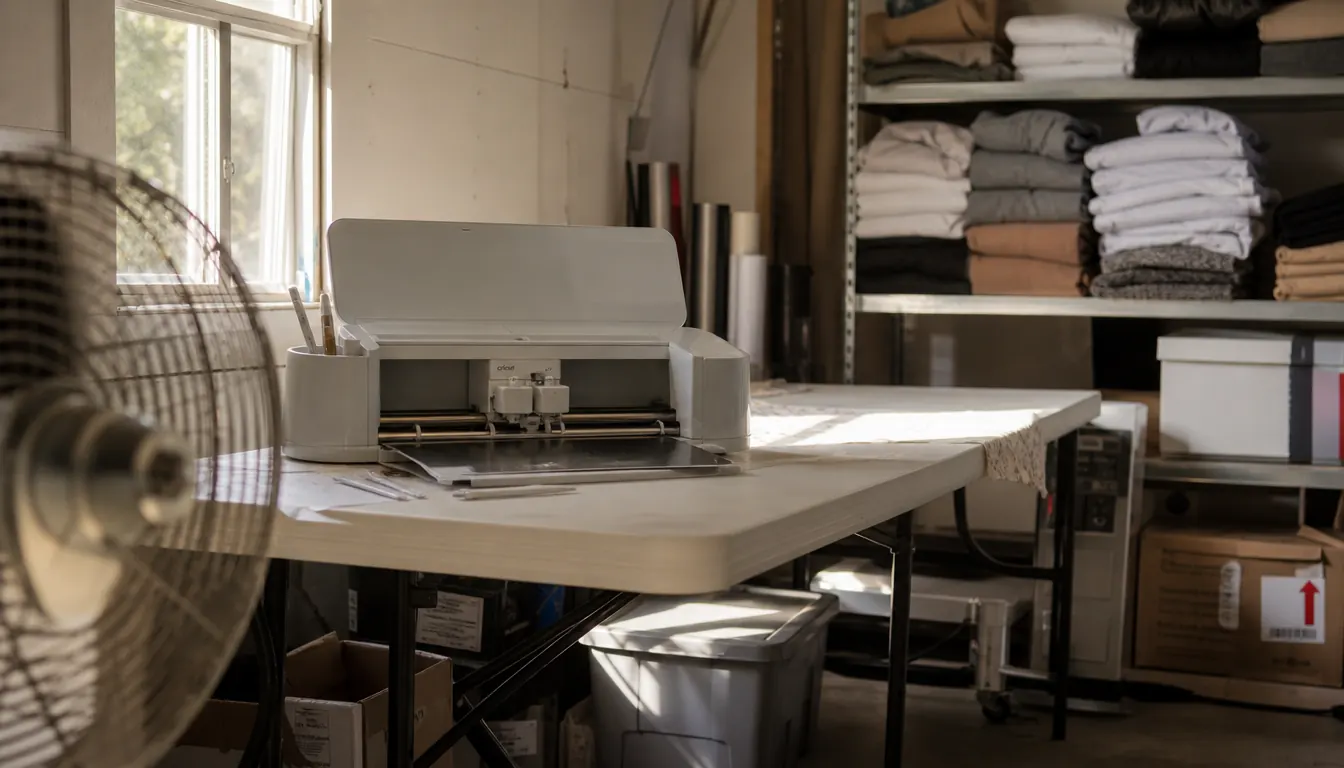
And it is small in the physical sense, not just the cutting sense. My garage already holds a press, a shelf of blanks, a bin of scraps and a box fan fighting for the same square footage. A machine that needed its own dedicated table would be a real problem. This one I set to the side when I am pressing and pull back when I am cutting, and it weighs so little that moving it is a non issue.
What I Liked
- Cuts HTV, vinyl, cardstock and sticker material cleanly
- Small enough to share a crowded work table and move by hand
- Works with a computer, a tablet or a phone
- Bundle includes the blade, pen, mini weeder, cables and thirty digital images
- Print then cut with an inkjet printer opens up sticker and label work
- Short jobs mean cheap failures while you are learning
Where It Falls Short
- 95.94 square inches of active surface area rules out a full back of the shirt design in one piece
- Print then cut only works if you own an inkjet printer
- No printing of any kind without that printer
- Small jobs mean more reloading and more lining things up by eye
- Nothing about it keeps up once your order volume passes a hobby
Where It Fights You
Alignment is the thing that costs me the most time. When you split a design, or when you cut a set of small pieces and press them one at a time, every piece has to land where you planned for it to land. A full size machine lets you cut the whole design in one piece and press it in one motion. Here you are doing it in three motions and trusting your eye. My eye is good now. Yours will be too. It will cost you a few ruined blanks to get there, so practice on the cheap ones.
The worst one I did was a set of six baby onesies, each with a small name in a script font. I cut all six at once, weeded them at the table, and pressed the first four perfectly. The fifth went on crooked because I laid it down before the press was fully closed and it shifted about a quarter inch while my back was turned. There is no fixing that. I pulled it warm, which is worse than waiting, and re-cut the piece and pressed it again at ten at night.
Volume is the other place it pushes back. If you take an order for forty shirts with three colors on each, you are going to spend a long evening at that table. The machine is not slow exactly. The process is slow, because the machine is small and you are the one feeding it. That is fine when you are making twenty totes for a church group twice a year. It is not fine if you are trying to run a print shop out of your garage.
And the sticker work, the thing the bundle leads with, depends entirely on a printer that matches. I have watched people buy this machine for stickers and then discover their laser printer will not do and their inkjet has been sitting empty since the last school project. That is not Cricut's fault. It is still a thing that happens, and you should know it before the box arrives rather than after.
The machine is the cheap part of the decision
Blanks, HTV, a printer and your evenings are the real investment. If you have those and your designs are short, the Cricut Joy Xtra bundle is the sensible starting point.
Amazon See the bundle on Amazon →Who This Is For
This is for the person making shirts, totes, mugs and stickers in small batches out of a spare room or a garage, mostly for people they know. It is for the person who wants to try an idea without clearing a wall for equipment. It is for the person whose designs are short, whose orders are small, and who would rather make twenty good pieces than two hundred mediocre ones. Team names, monograms, small logos, mug wraps split in two, sticker sheets. This machine does all of that.
It is also genuinely good for a beginner, and I do not say that about much equipment. The failure modes are cheap. You waste a scrap of HTV, not a whole garment. You learn what a clean cut feels like before you are responsible for somebody else's order and somebody else's money. That learning curve matters more than any spec sheet when you are three weeks in and still deciding whether this is for you.
Who Should Skip It
Skip it if your designs need to be big. Full back shirt graphics, wide decals, banners for a school fence. Those are full size machine jobs and no amount of clever layout will change that. Skip it if your order volume has already passed a hobby, because you will spend your evenings feeding material into a machine that wants to be fed slowly and one sheet at a time.
Skip it if you do not own an inkjet printer and the reason you want this machine is stickers. Skip it if you want one device that does everything, because it is not that device and it never claimed to be. And skip it if you are buying it because somebody online said the machine was a business. It is a cutter. The business is the part where you find customers, price your work and answer messages at nine at night, and no piece of equipment does that for you.
If you are still reading, you probably already know which of those two people you are. Trust that. The worst outcome here is not buying the wrong cutter. It is buying a cutter and leaving it in the box because the first project fought back.
Short designs, small orders, one crowded work table
That is the Cricut Joy Xtra in three lines. Blade, pen, weeder and thirty bonus images come in the bundle. Check today's price and see whether it fits what you are actually making.
Amazon Check Today's Price on Amazon →